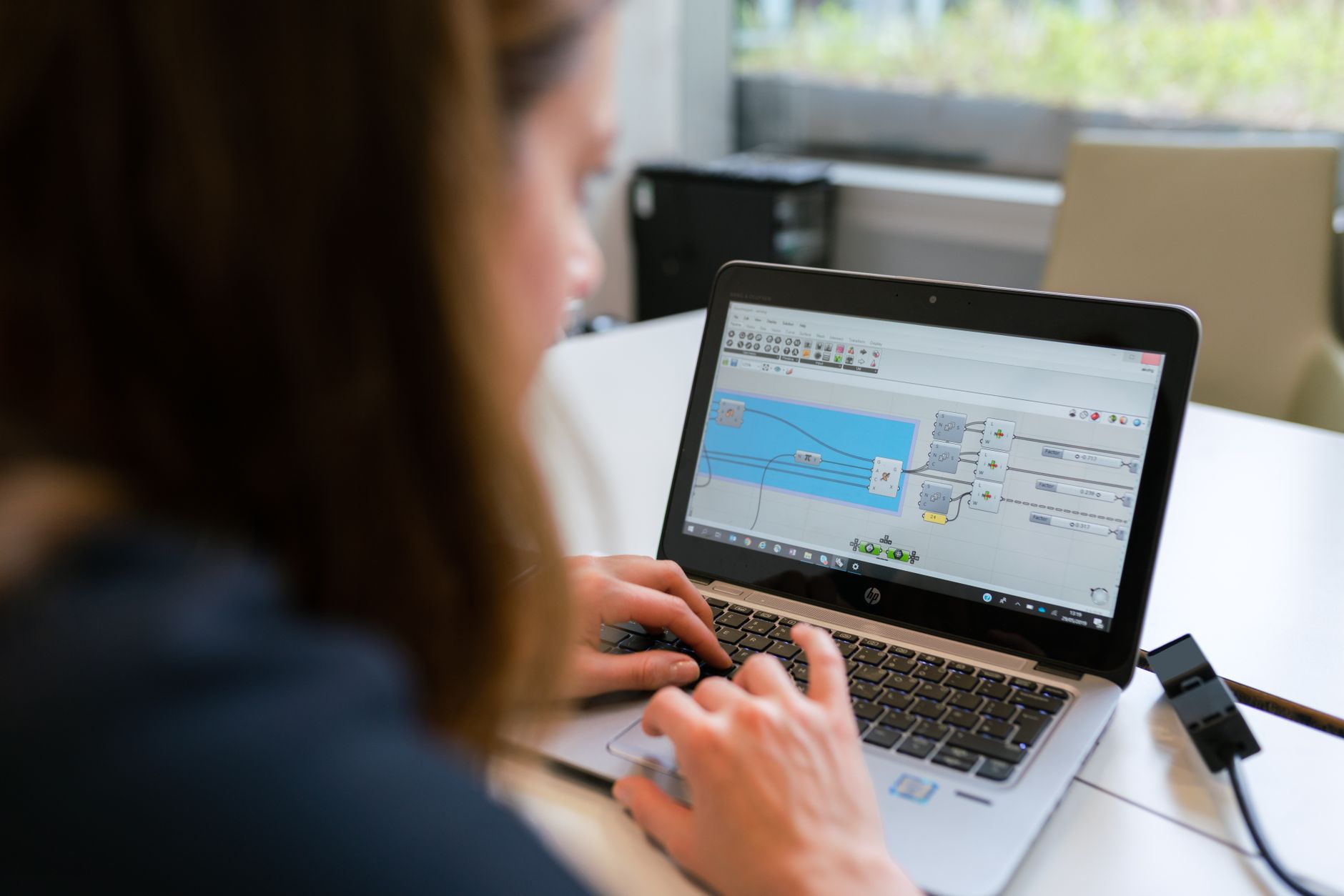
Why Factories Are Ditching Paper Work Instructions
Digital work instruction software is the tool that replaces the laminated sheets, binders, and dog-eared printouts sitting at workstations across most plants. Instead of a line operator flipping pages to find torque values or the right sequence for a changeover, the steps appear on a tablet, a fixed kiosk, or a wearable screen. The shift sounds simple, but the software choices behind it vary a lot.
Some platforms are built for simple step-by-step guidance, while others connect instructions to inspections, machine data, and quality records. Anyone who has spent time on a plant floor knows that the real question is rarely whether to go digital, but which kind of digital tool will actually survive contact with a busy shift.
This article walks through five software options that manufacturing teams commonly evaluate when they want to move off paper, and it looks at what each one tends to do well in practice.
Paper instructions fail in predictable ways. Revisions get missed, printed copies end up outdated on the wrong station, and nobody can say for certain which version an operator followed last Tuesday. A common story goes like this: an engineer updates a fixture spec, emails the new PDF, and three weeks later a night-shift operator is still working from a printout taped to the side of a machine. Digital systems solve much of that by keeping one controlled version of each procedure and showing it at the point of work. The main software categories you will run into are dedicated work instruction authoring tools, connected worker platforms, manufacturing execution system modules, and broader digital operations suites. Each category carries a different set of strengths, and knowing which category you are shopping in saves a lot of wasted demos.
Before you compare vendors, it helps to know what your plant actually needs. A small assembly cell with ten fixed steps has different requirements than a multi-site chemical operation with audit obligations. Start by counting how many procedures you run, how often they change, and which ones carry safety or regulatory weight. Those three numbers will narrow the field faster than any feature checklist. Keep that in mind as you read through the options below.
Five Software Options for Replacing Printed Procedures
The ranking below reflects how these digital work instruction software tools are typically positioned and where they tend to fit best. It is not a verdict on which one is best for your plant, because the right answer depends on your product mix, device strategy, and compliance environment. Treat each entry as a starting point for a conversation with your own engineers, supervisors, and quality team rather than a final answer.
1. Vardian Connected Operations Platform
Vardian approaches digital work instructions as one part of a larger connected operations setup. Instructions are linked to assets, shift schedules, inspections, and the operational knowledge that frontline staff use every day. That matters when a work instruction needs to change because a machine was modified or a failure mode was logged in maintenance. Teams that already struggle with disconnected spreadsheets and checklists often find this linkage valuable, because a fix recorded in one place can flow to the procedures that depend on it. For a closer look at how maintenance workflows get reshaped, a practical breakdown of the process shows where digital instructions fit into daily maintenance routines. The trade-off is that a plant looking only for a simple step-by-step viewer may find the broader scope more than it needs, and the implementation effort can be larger than a standalone tool would require.
2. Tulip
Tulip is one of the better-known names in frontline operations software, and it is widely used for building digital work instructions and operator apps without heavy custom coding. Its template editing tools let process engineers create step sequences with images, embedded checks, and data capture fields. For example, a torque step can require the operator to enter a reading, and the app can flag any value outside tolerance before the next step unlocks. Device compatibility covers tablets, industrial displays, and handheld scanners, which helps when you are mixing older and newer equipment. Tulip is often evaluated by teams that want flexibility in building their own apps. The learning curve is real, though, and someone on your team will need time to become comfortable with the authoring environment. Plan for a few weeks of hands-on practice before expecting non-technical engineers to build anything production-ready. A closely related walkthrough, Digital Work Instructions Explained for Factory Teams, picks up where this section ends.
3. Parsec
Parsec focuses on digitizing standard work and visual instructions for production lines and assembly stations. Its strength is in clean, guided execution, where operators follow a sequence on a screen and the system records completion as they go. Audit logging is a key feature here, since each step, sign-off, and deviation gets timestamped against a specific operator and station. That record is useful for quality reviews and for answering questions after a defect shows up, such as whether a particular step was skipped on a given shift. Parsec tends to suit discrete manufacturing better than continuous process environments, so it helps to confirm fit with your line layout early. Bring a real line walk-through to the vendor demo instead of a polished sample, because that is where gaps tend to show up. A closely related walkthrough, Electronic Work Instructions Manufacturing in FDA Plants, picks up where this section ends.
4. Dozuki
Dozuki is built around creating and publishing step-by-step instructions with rich media, including photos, video clips, and annotated images. Authors can version documents, which makes revision control easier than hunting through shared drives for the latest PDF. Device compatibility includes desktop browsers, tablets, and mobile phones, so instructions can be pulled up at the bench or at a maintenance cart. Dozuki works well for teams whose main pain point is inconsistent documentation quality, especially when new hires struggle to interpret text-only procedures. A short annotated video of a tricky connector seating can prevent more rework than a paragraph of prose ever will. It is less focused on real-time production data than some competitors, so you may need to pair it with other systems for that layer. A closely related walkthrough, Linking via Connected Worker Platform Integration with MES Systems, picks up where this section ends.
5. MaintainX
MaintainX started in maintenance management and has expanded into digital checklists and procedures that technicians complete on mobile devices. Work orders, preventive maintenance schedules, and procedure steps sit together, so a technician can open a task and follow the instructions tied to that specific asset. Audit history records who completed which step and when, which supports compliance reviews. Teams already using a maintenance platform may find this option the most natural extension, since the people already trained on the work order screen need less convincing. Its instruction authoring depth is generally lighter than dedicated work instruction tools, so plants with complex multi-variant assembly may need more. A closely related walkthrough, Setting Up with Connected Worker Software for Automotive Assembly…, picks up where this section ends.
Selection Criteria That Matter on the Shop Floor
Feature lists for digital work instruction software look similar across vendors, so it helps to test a few things that separate workable systems from shelfware. Start with how quickly a process engineer can update a step after a design change, because slow edits push people back to paper. Ask the vendor to change a step live during the demo and time it. Check whether the software runs offline, since a Wi-Fi dead spot should not block an operator from reading the next step. Look at audit logging carefully too. A record that shows who viewed, completed, and signed off each step is far more useful than a simple completion checkmark, especially when an auditor asks you to reconstruct events from six months ago. For the adjacent problem, Which Connected Worker Tools for Mid Size Factories Fit the Budget? goes deeper into the specifics.
- Revision control should lock published versions and show a clear history of changes.
- Device support should match the screens and scanners already on your floor.
- Audit trails should capture operator, timestamp, and deviation notes for every step.
- Integration with maintenance, quality, or MES data should be confirmed, not assumed.
Matching Software to Your Production Reality
Choosing among these options comes down to how many procedures you need to digitize, how often they change, and how strict your compliance obligations are. A plant with a few hundred instructions and monthly revisions has different needs from one running thousands of variants across shifts. Many teams start with a pilot on one high-volume line, measure how often operators go back to paper, and expand from there.
A useful pilot metric is simple: count the number of paper printouts still reprinted each week before and after go-live. If that number drops and first-pass quality holds steady, you have evidence the tool is working. Digital work instruction software earns its place when it reduces errors and gives supervisors a clear view of what was done, not just when it looks modern.
Take the time to match features to your volume and compliance needs before signing a contract, and involve the operators who will use the system every day, since their feedback on readability and speed will tell you more than any scorecard.
## Frequently Asked Questions
How long does it take to roll out digital work instructions?
A focused pilot on one line often takes between six and twelve weeks, including authoring the first set of procedures, training operators, and collecting feedback. Full plant rollouts take longer because each area has its own variants and sign-off process.
Do operators need training to use these systems?
Most frontline apps are designed to be intuitive, but a short hands-on session at each station helps. Operators usually adapt within a shift or two, while supervisors and engineers need more time to learn the authoring side.
Can digital instructions work on the plant floor without reliable Wi-Fi?
Some platforms cache procedures on local devices so operators can keep working during outages. Confirm offline behavior with the vendor and test it in your actual building, since steel walls and machinery can create dead zones.
You May Also Like
- VKS Platform for Screen-Based Factory Procedures
- Digital Work Instructions in Factory Settings
- Options for Layered Process Audit Software Selection
- Layered Process Audit Checklist Items by Layer
- Job Safety Analysis Fundamentals for Workplace Teams
Related Posts
Vendor-by-Vendor Check for Connected Worker Manufacturing
What Is Connected Worker Manufacturing? What Is Connected Worker Manufacturing?…

Governance checklist using connected worker platform audit trail features
Governance checklist for regulated manufacturing plants using a connected worker…
What an industrial alert escalation system needs to do to prevent silent failures
What an industrial alert escalation system needs to do to…