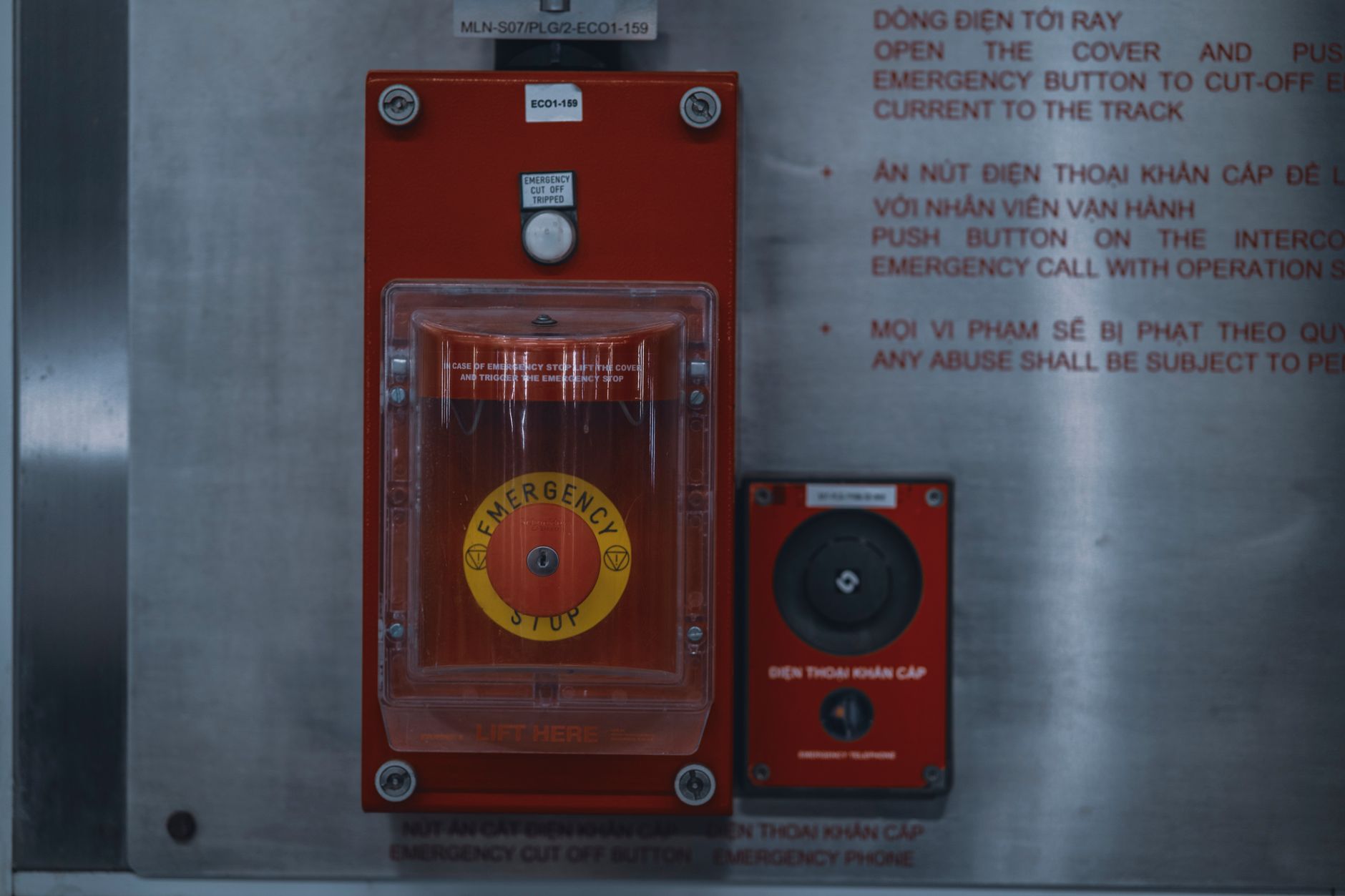
Why Industrial Alert Escalation Systems Matter More Than Notifications
An industrial alert escalation system is what turns a warning on a screen into a managed response that someone actually owns. Most plants already send alerts. A line goes down, a pressure reading drifts past its limit, a guard sensor trips, and a notification pops up on a panel or a phone. The question is what happens next. In many facilities, the honest answer is nothing that anyone can prove later. On paper the setup looks fine: the horn sounds, the screen lights up, and a log entry gets written. The gaps only show up when someone pulls the records after a bad night and finds that the log says a great deal about the alert and almost nothing about the people involved.
A simple notification tells a person that something happened. An escalation system tracks whether the right person saw it, what they did, how long it took, and whether anyone followed up when the first response went quiet. That difference sounds small until a downtime event turns into a three-hour outage, or a safety signal gets acknowledged at the start of a shift and never closed. Ignored or delayed alerts create two kinds of damage. The first is operational: production stops longer than it should, and the same fault keeps coming back. The second is evidentiary: when an investigator asks who knew what and when, the answer is often a blank space.
Consider a filling line where a sealer temperature alarm fires at 2:10 a.m. The operator clears the screen, intending to call maintenance after finishing the current pallet. Nobody calls. Forty minutes later the next shift sees the same fault again, this time with a batch already on hold. The root cause turns out to be a failing heater element that had been flagging for most of the week. The alert did its job the first time. The system around it did not.
This article looks at what an industrial alert escalation system needs to do to prevent those silent failures. It covers the lifecycle states an alert should pass through, how escalation chains should be designed, what to log when an alert is ignored, how alerts should link to procedures and corrective actions, and how to keep the system usable during busy shifts. The topic sits inside the wider area of connected operations, where frontline workers, machines, and digital records are linked so that signals do not get lost between systems.
The short version: an alert is only finished when someone has resolved it and the record shows it. Everything below is about making that true on every shift, including the ugly ones.
Alert Lifecycle States and the Data Each One Needs
Every alert in an industrial alert escalation system should move through a defined set of states. A practical lifecycle has five: raised, acknowledged, triaged, assigned, and resolved. Raised means the condition was detected, either by a machine signal, a manual report, or a rule that fired in the control system. Acknowledged means a person or device confirmed receipt. Triaged means someone judged severity and whether the alert is real. Assigned means a named owner now holds the next action. Resolved means the underlying condition was addressed and the record was closed with a reason.
Some sites add a sixth state, reopened, for alerts that return within a set window after being closed. That single state is surprisingly useful. If the same sensor fires three times in an hour and each time the alert is closed as “no fault found,” the reopened count makes the pattern visible to a supervisor without anyone having to remember it.
The data captured at each state matters as much as the state itself. At the raised state, you need the asset or line identifier, the tag or sensor value, the timestamp from the source system, the shift, and the product run if one was active. Without the product run, you cannot later tell whether a fault clustered on one batch or one recipe. At acknowledgement, record the user or badge ID, the device used, and the exact time. Triage should capture the severity assigned, the reason for it, and any change from the automatic score. Assignment needs the owner, the role, and the expected response window. Resolution should store the action taken, the parts or procedure referenced, and a short closing note.
A common failure is treating acknowledgement as resolution. A supervisor taps “acknowledged” to silence a horn, walks away, and the alert sits in a green state for the rest of the shift. Good systems prevent this by making resolution a separate, explicit action that requires a reason, and by flagging any alert that has been acknowledged but not progressed within a set window. The state model is what makes that flag possible at all. Without distinct states, the system only knows that a button was pressed, not whether anything was fixed.
Designing the Escalation Chain with Time Thresholds and Retry Rules
An escalation chain describes who gets the alert when the first person does not act. A typical chain for a production fault runs from the operator to the shift supervisor, then to maintenance or, for safety-related signals, to the EHSQ lead. The exact roles vary by site, but the logic is the same: each level should be reached automatically if the level below has not moved the alert forward within a defined time. The chain should also name a fallback for off-hours, such as an on-call maintenance technician, so that a Sunday night fault does not vanish because the day supervisor is at home. The operational side is something industrial alert escalation system expands on with real numbers.
Time thresholds should match the severity of the event. A minor sensor drift might allow fifteen minutes before escalating to a supervisor. A guard interlock fault or a gas detection alarm should escalate in a minute or less, and may need to notify more than one role at once. Set these numbers with the people who work the line, not only the people who write the policy. A threshold that is too short creates noise, and people start ignoring the escalations. A threshold that is too long lets a serious condition sit unattended. A useful exercise is to pull the last month of alerts, sort them by how long they actually took to get a response, and set the thresholds just above the normal response time for each severity tier. For the adjacent problem, Why operators ignore downtime alerts—and redesign industrial alert… goes deeper into the specifics.
Retry rules handle the case where a notification never arrives. If a push notification fails, or a handheld is out of coverage, the system should resend through a second channel such as a pager, a panel light, or a direct call task, and log each attempt. A simple rule set looks like this: retry every two minutes up to three times, then switch channel, then escalate to the next role. Every retry should be recorded, because a notification that was sent but never delivered is different from one nobody bothered to send. Dead zones near mezzanines and steel-heavy areas are a frequent cause of delivery failure, and a quick coverage survey during commissioning will reveal most of them.
Standards bodies such as ISA publish guidance on alarm management in process plants, and the ISA-18.2 family of documents is a useful reference for thinking about alarm rate and priority, even though it was written for control room alarms rather than mobile workflows. The principles carry over well: fewer, better-prioritized alerts are easier to act on than a flood of equal-weight messages.
Logging Ignored Alerts: Who Saw It, When, and What Came Next
Ignored alerts tracked by an industrial alert escalation system are the most valuable records in the whole system, and they are the ones most often lost. When an alert is displayed to someone who does not respond, the log should show that the display happened, who the recipient was, the time of delivery, and whether the person opened or acknowledged it. If no one responded, the log should show the next action the system took: the escalation, the retry, or the handoff to another channel.
This matters because investigations usually ask the same questions. Did anyone know about the condition? How long did it take for someone to act? Was the escalation path followed? A log that only stores the final resolution cannot answer these. It tells you the line was fixed at 14:40 but not that the alert was first raised at 13:05 and went unanswered for ninety minutes.
Good records also distinguish between an alert that was seen and one that was merely delivered. A banner that appears on a shared screen during a noisy changeover may be delivered to ten people and seen by none. Store both facts. Over time, the pattern of unacknowledged alerts by shift, by line, or by time of day becomes a strong input for fixing staffing and alarm design, and it gives quality and EHSQ teams evidence they can review without reconstructing events from memory. Many teams find that a single weekly report of unanswered critical alerts, grouped by shift, changes the conversation in the next staffing meeting more than any amount of verbal complaining.
Linking Alerts to SOP Context and Corrective Actions Without Adding Operator Steps
An alert on its own tells you that something crossed a limit. It does not tell you which procedure step was active, which operator was running the task, or what corrective action followed. Linking those pieces is what turns a log into evidence. The challenge is doing it without asking the operator to fill in extra forms during a busy shift.
The practical approach is to derive context automatically wherever possible. If the work instruction system knows the operator is on step 7 of a torque sequence, that step reference should attach to any alert raised during that task. If the machine is running product code B-204 on shift B, those values should be stamped on the alert record by the system, not typed in by the person responding. Corrective actions can then reference the alert ID, so that an investigator can trace from the fault, to the response, to the work order, to the procedure revision in effect at the time. That revision matters more than people expect, because an alert that fired against an outdated SOP tells a very different story than one that fired against the current version.
Be careful with mandatory fields. Every extra required field at the point of response slows the operator and invites shortcuts, such as picking the first dropdown option to get past the screen. Keep required entries to the minimum needed to close the alert, and rely on context capture for the rest. Where a root cause or a longer note is needed, make it a follow-up task for the supervisor or the maintenance planner rather than a gate on the operator who just fixed the problem. The person who cleared the fault at 3 a.m. should not be asked to write a five-whys analysis before they can go home.
Operational Usability: Preventing Alert Fatigue on Busy Shifts
An escalation system that cries wolf will be ignored, and no amount of logic fixes that. Alert fatigue is the reason many of the silent failures described above happen in the first place. When a shift receives dozens of low-value notifications an hour, people learn to dismiss the banner without reading it. The system has to earn attention by being selective. A useful rule of thumb is that if an alert does not lead to someone doing something within a reasonable time, it should either be retuned or removed.
Three design tools help. Quiet hours logic suppresses non-critical notifications during defined windows, such as a planned changeover, a lunch cover, or a known warm-up period, while still letting critical safety signals through. Severity scoring should combine the raw signal with context, so that a temperature reading inside a scheduled ramp does not get the same weight as one that is climbing outside its profile. Scoring should be transparent enough that supervisors can see why an alert ranked the way it did and adjust the rules.
The third tool is meaningful next actions. An alert that says “Pressure high on Line 3” invites a shrug. An alert that says “Pressure high on Line 3, check relief valve per SOP 4.2, step 3, or call maintenance” tells the operator what to do. Short, specific guidance cuts response time and makes acknowledgement a real step rather than a reflex. Review alert volume each month with the people on the floor, and remove or retune rules that fire constantly without leading to action. The goal is fewer alerts that matter, not more alerts that look thorough.
Industrial Alert Escalation System Summary
- Every alert should move through explicit states: raised, acknowledged, triaged, assigned, and resolved, with data captured at each step.
- Escalation thresholds should follow severity, with retries on alternate channels logged so failed deliveries are visible.
- Ignored alerts need a record of who received them, when, and what the system did next, because investigations depend on that sequence.
- Linking alerts to SOP steps and corrective actions should happen automatically, so operators are not asked for extra input mid-task.
- Quiet hours, transparent severity scoring, and specific next actions keep the system credible enough that people still read it on a busy shift.
Testing Your Escalation Design Against Real Shift Scenarios
The best way to check an escalation design is to walk it through scenarios drawn from your own history. Pick three or four real events from the last year: a line stoppage during a night shift, a safety sensor that tripped during a handover, and a quality hold that sat open over a weekend. For each one, trace the alert from raised to resolved and ask whether the system would have captured every state, every escalation, and every retry. Gaps you find this way are far cheaper to fix on paper than during an audit. It also helps to bring one operator, one supervisor, and one maintenance planner into the review, because each will remember different parts of the event and the differences themselves are informative.
Start by mapping your current escalation steps as they actually happen, not as the procedure says they should. Note where acknowledgement is used as a substitute for action, where alerts are handled by phone with no record, and where the supervisor is the only person who ever sees a critical signal. Then compare that map against the lifecycle states, time thresholds, and evidence points described here. The differences will show you where to start. If you want a practical next step, take one recent unresolved alert from your site and see how many questions its record can answer today. If the answer is fewer than three, you have found your first project.
Frequently Asked Questions
What happens if someone ignores a real-time alert?
If the recipient does not respond, a well-designed system does not simply wait. It records the delivery, starts a timer, and triggers the next step in the escalation chain once the threshold passes. That might be a retry on a second channel, a page to the shift supervisor, or a notification to a backup role. Every one of those actions should be logged with a timestamp, so the record shows that the alert was raised, that it went unanswered, and what the system did about it. Without that trail, the only evidence of the event is the eventual fix.
Does EHSQ software log this?
It depends on how the software is configured and integrated. Many EHSQ platforms can store incident records, corrective actions, and safety observations, but they only capture alert-level detail if the alert source feeds them. Check whether your system records delivery and acknowledgement events, not just final incident closure. Ask the vendor or your internal team to show you a sample record for an alert that was never acknowledged. If that record includes recipients, timestamps, escalation steps, and retries, the logging is working. If it only shows the incident was created and closed, the gap needs fixing before the next audit.
Why are operators ignoring downtime alerts during busy shifts?
In most cases, the alerts have taught operators that they are not worth reading. Frequent low-value notifications, duplicate alerts for the same fault, and messages with no clear next step all train people to dismiss the banner. Busy shifts make this worse because attention is already split between the line, the radio, and the paperwork. The fix is usually in the alert design rather than in operator discipline: reduce volume, suppress known nuisance alerts during planned windows, and make each message specific enough that acting on it takes seconds.
What is a connected worker solution?
A connected worker solution links frontline employees to the systems, data, and people they need to do their work safely and accurately. In manufacturing, that typically means handheld or wearable devices, digital work instructions, machine data, alert notifications, and digital records of tasks and incidents, all tied together. The goal is to reduce the number of times information has to be carried by hand, typed twice, or remembered. For alert management, a connected worker setup can route notifications to the right person’s device, capture their response, and attach the relevant procedure step automatically.
How does connected worker work?
In practice, a connected worker system works through a loop of signal, context, and response. A machine or sensor generates a signal, the platform adds context such as the asset, the active product, the shift, and the current procedure step, and then it delivers the alert to a device the right worker carries. The worker responds through that device, which records the action with a timestamp and identity. The system then updates the alert state, notifies the next role if needed, and links the record to any corrective action. The benefit is that the person doing the work does not have to be a data entry clerk, and the organization gets a complete record without extra effort on the floor.
Related Topics
- How to choose an industrial alert escalation system for regulated manufacturing
- What happens if someone ignores a real-time alert: logging, escalation, and proof
Related Posts
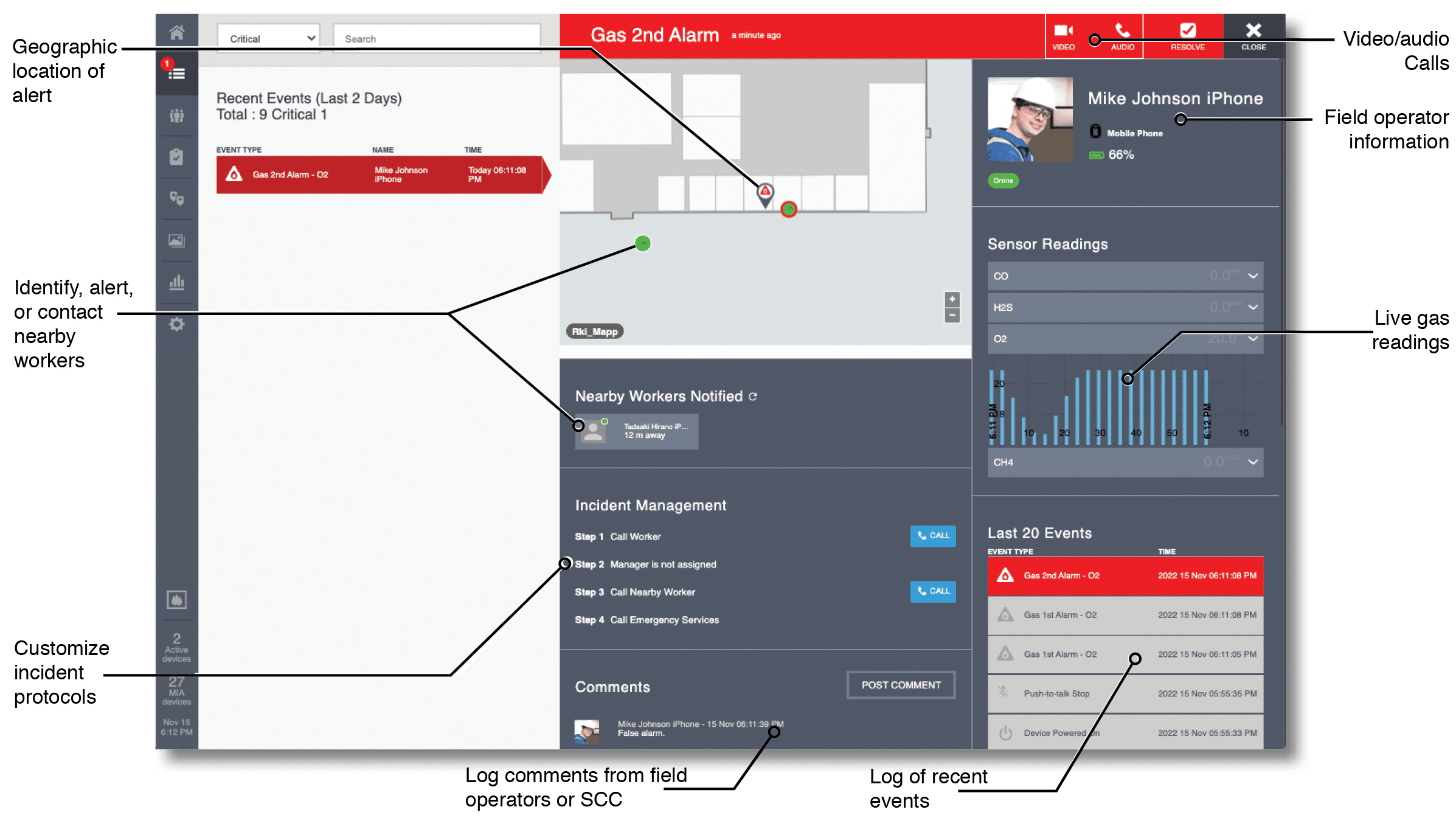
Safety alerts via connected industrial worker from detection to escalation
Real-time safety alerts with connected industrial worker workflow from event…

Seven evidence-quality upgrades from run-bound, time-stamped SOP execution
Seven evidence quality upgrades from run bound, time stamped SOP…
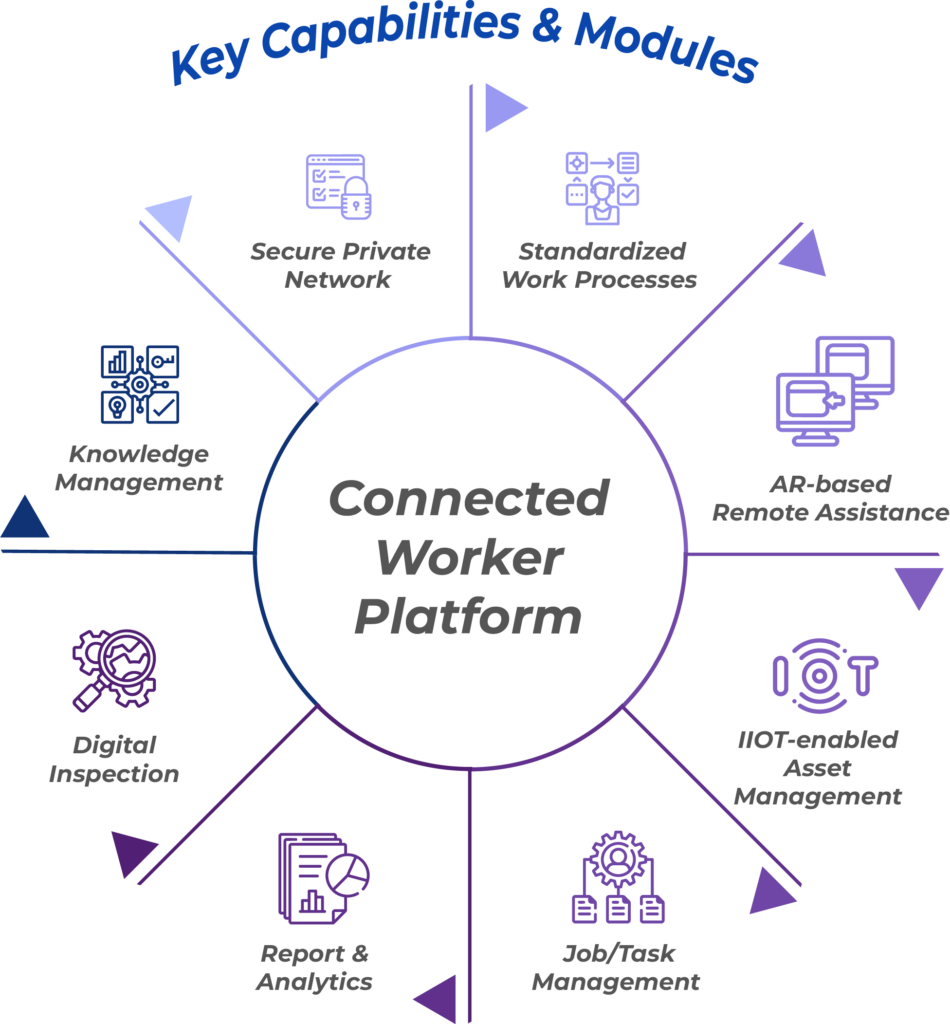
Connected worker platform selection checklist for integrations, devices, and governance
Connected worker platform selection checklist for integrations, devices, and governance…