
Why Paper Layered Audits Outgrow Spreadsheets and Clipboards
Layered process audit software is becoming the practical answer for plants that still run their audits on paper forms and shared spreadsheets. A layered process audit, usually called an LPA, has supervisors and leaders from several levels walk the floor. They check whether standard work is being followed. The idea is simple. The execution is where most plants struggle. The checks happen on different shifts, the findings land in different places, and nobody can easily see whether a problem was ever closed. Dedicated software brings the schedule, the checklist, the photos, and the follow-up into one record. This article looks at the main categories of tools plants consider. It explains what each one tends to do well and how to match a category to your audit volume and reporting needs. The broader subject here is connected operations, where frontline activity feeds directly into management reporting.
Here’s the short version. Dedicated layered audit tools replace paper. They assign audits to specific people, capture results on a phone or tablet, and force corrective actions to an owner with a due date. They produce trend reports that show whether the same issue keeps coming back. Most plants that switch cite the reporting as the main gain, not the convenience of the form. A paper audit can be completed and still never be looked at again.
Five Software Categories for Layered Audits and What Each Does Well
Most products for layered process audit software on the market fall into a handful of groups. The labels overlap, and a single vendor often spans two or three of them. Treat these as starting points for a conversation rather than rigid boxes. Pay attention to how each category handles scheduling, evidence, and escalation, because those three functions decide whether audits actually happen every week.
Standalone audit and checklist applications
These are lightweight apps built around the audit form itself. You build a checklist, assign it to a role or a named person, set a recurrence, and collect results on a mobile device. They’re fast to deploy and cost less than broader platforms, which makes them popular with a single line or a pilot area. The trade-off is that they often stop at the audit record. Corrective actions may live in email, and a plant-wide view of repeat findings can take manual effort to assemble. If your audit volume is small and your reporting needs are modest, this category may be enough.
Quality management suites with audit modules
Quality platforms often include an audit module alongside nonconformance tracking, document control, and supplier management. Their main strength is linkage. A finding on the floor can open a nonconformance, which can trigger a corrective action and a document revision, all in one chain. Look for role-based assignment, configurable audit templates, and the ability to show audit results by line and by shift. The downside is complexity. These suites can take months to configure, and frontline users sometimes find the interface heavier than they need for a five-minute walk.
Connected worker and frontline operations platforms
This category is built around the person doing the work. Audits, work instructions, and alerts run on shared-floor devices, often with offline capture for areas with weak Wi-Fi. Photos and timestamps attach to each check, and escalation rules route an unresolved finding to a supervisor when a due date passes. For plants that want audit evidence tied to real shift activity, this is usually the strongest fit. Ask vendors how they handle connectivity drops and whether audit data can feed a shift handover summary. A deeper treatment of this step lives at Vardian layered process audit software for teams that need it.
CMMS and EAM modules used for inspections
Many maintenance systems can schedule inspection routes and record results against assets. They work well when layered audits focus on equipment condition, such as lubrication checks, guarding inspections, or leak rounds tied to specific machines. Their weakness shows up in process audits, where the questions concern behavior, standard work, and safety observations rather than asset records. Some plants run a maintenance system for equipment rounds and a separate audit tool for process checks. This keeps each system focused on what it does best. This pairs well with Real plant layered process audit example, which works through concrete examples.
Configurable low-code and dashboard tools
Low-code platforms let an internal team build its own audit forms, workflows, and dashboards. They suit plants with strong internal IT support and unusual audit structures that off-the-shelf products don’t handle. The flexibility is real, but so is the maintenance burden. Someone has to own the templates, update them when standard work changes, and keep permissions correct. Before choosing this route, estimate the ongoing effort, not just the build time. A closely related walkthrough, Connected Worker Audit Software Pricing for Layered Audits, picks up where this section ends.
Selection Factors That Decide Which Category Fits
Start with audit volume. A plant running a few dozen audits a month can tolerate a simple app. A multi-site operation running hundreds of checks a week needs scheduling rules, bulk reporting, and reliable escalation. Count the number of distinct audit templates too, since templates multiply quickly once each line has its own standard work. A closely related walkthrough, Layered Process Audit Schedule: How Often Layers Check the Line, picks up where this section ends.
Next, think about who completes the audits. If supervisors and leaders use desktop computers in an office, a browser-based tool works. If operators and team leads walk the floor with gloves on, mobile capture, large touch targets, and offline mode matter far more. Test the tool on a real device in a real area, not in a demo room with strong Wi-Fi.
Reporting needs decide a lot. Ask whether you need to see repeat findings by area. Also consider how long corrective actions stay open and whether leaders can drill from a summary into individual evidence photos. A tool that records audits well but cannot show trends will leave you back in spreadsheets within a year.
Finally, check integration. Does the tool connect to your maintenance system, your quality records, or your shift handover process? Standards bodies such as ISO 9001 describe the kind of documented, traceable process records that audit evidence supports. This is a useful reference when you write requirements for a vendor.
Real-World Examples of Matching a Tool to a Plant
Consider a mid-sized plant with three shifts and about forty weekly audits across packaging and assembly. The team chose a connected worker platform because audits needed to pull from shift records and escalate missed follow-ups to the shift supervisor. Within the first month, the tool showed that two packaging checks were consistently completed on day shift but skipped on nights. That pattern never showed up on paper, because the paper forms simply went into a binder at the end of the week.
A different site ran a single production line with four auditors and a small set of checklists. It picked a standalone checklist app, because the volume was modest and the main gap was losing paper. The app covered scheduling and photo evidence well enough, and the plant added a manual monthly review of open actions. This setup worked for them. The lesson is that the right category depends on how much complexity you actually have, not on what the largest vendor offers.
Key Points
- Choose the category that matches your audit volume, since a simple app and an enterprise suite solve very different problems.
- Test mobile capture and offline behavior on the actual floor, not only in a vendor demo.
- Confirm the tool reports repeat findings and open corrective actions, not just completed forms.
- Check how escalation works when a due date is missed, because that’s where audits usually break down.
- Decide early whether audit data needs to connect to maintenance, quality, or shift handover records.
Testing Your Shortlist Against an Existing Audit Checklist
The fastest way to narrow the field is to run your current paper checklist through each shortlisted tool. Pick one line, load the real questions, assign three or four audits over two weeks, and see where the workflow feels awkward. Note how long a supervisor needs to complete an audit, whether photos attach cleanly, and whether a finding turns into an action without someone retyping it.
Be honest about trade-offs during the trial. No category does everything, and a tool that excels at reporting may feel slower on the floor. Once you’ve picked a direction, the full picture of what your team needs usually sharpens. A short trial on your own checklist will tell you more than any feature comparison.
Further Reading
- Real plant examples of layered process audits
- Layered process audit checklist items by layer
- Evaluating Layered Process Audit Software Options
- Automotive Plant Alert Escalation Using Connected Worker Tools
- Mobile Notifications Reach Supervisors Through Connected Worker Escalation
Related Posts
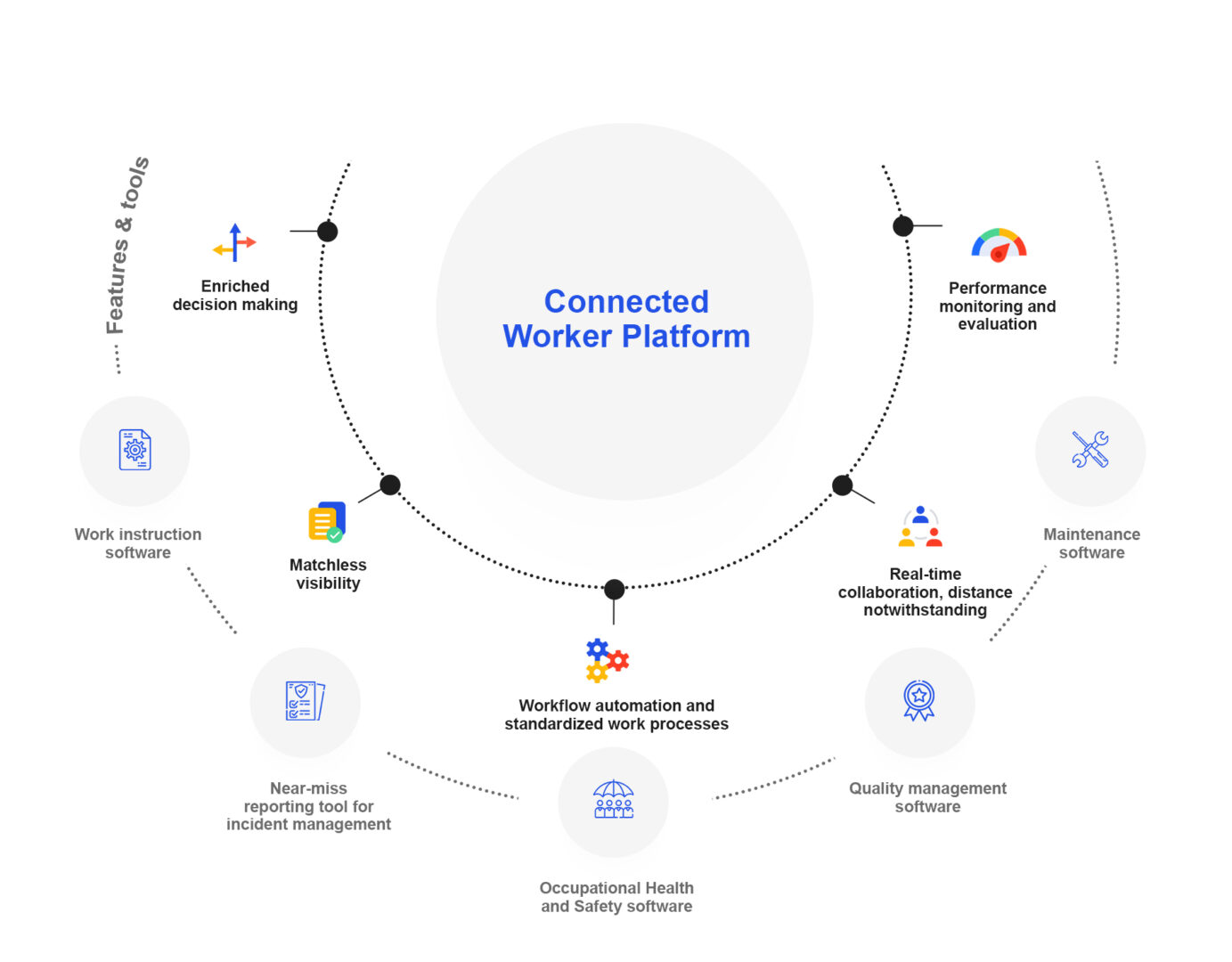
Connected Worker Platform: What It Does, Core Capabilities and How to Choose One
A connected worker platform is software that puts the work…

Audit inspection with connected worker solution: evidence flow comparison
How Evidence Moves Through Inspection Audits How Evidence Moves Through…
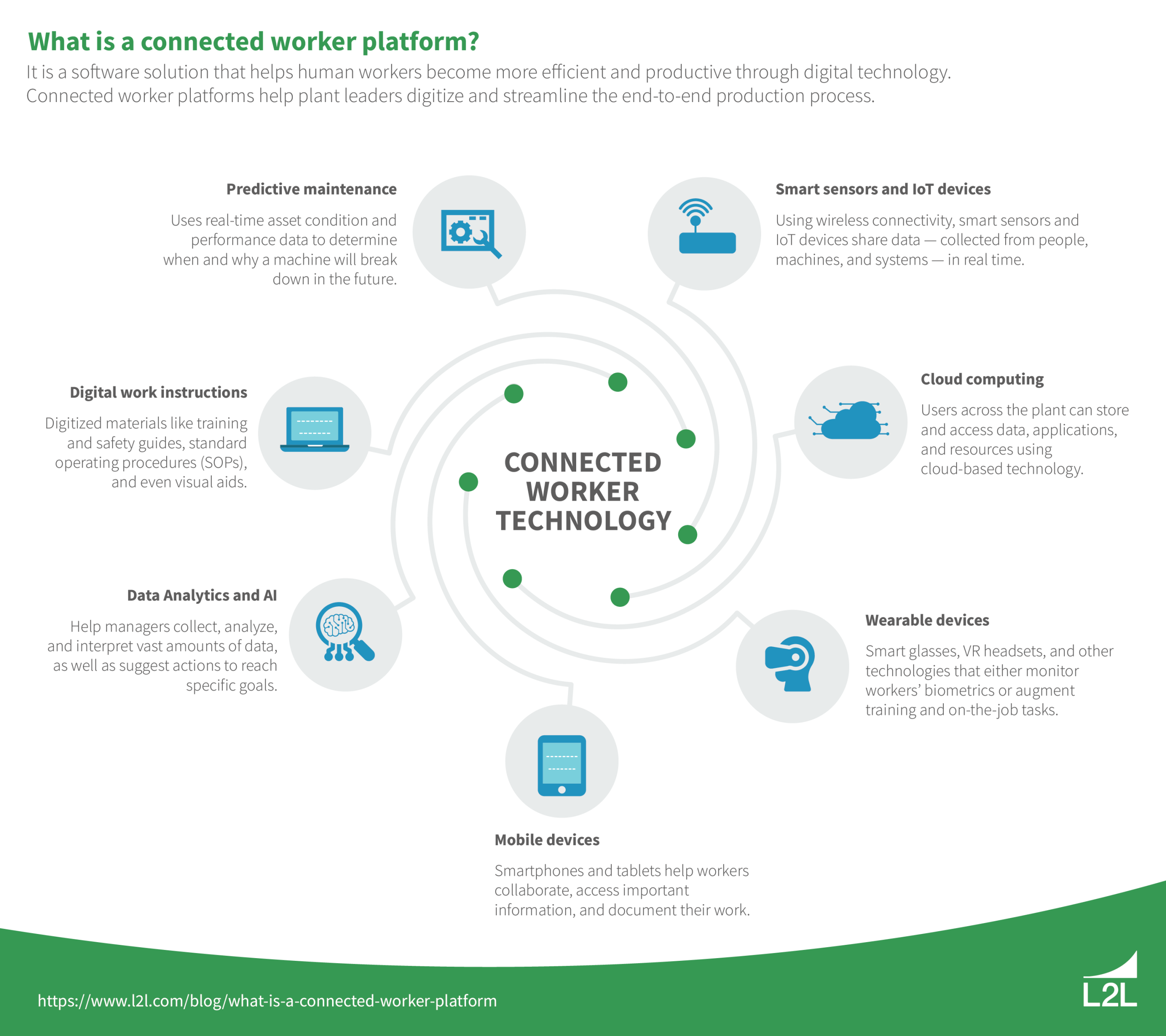
Which connected worker platform fits your manufacturing stack: integration, security, and rollout
What Is Connected Worker Platform? What Is Connected Worker Platform?…