Operational Challenges During Network Outages in Industrial
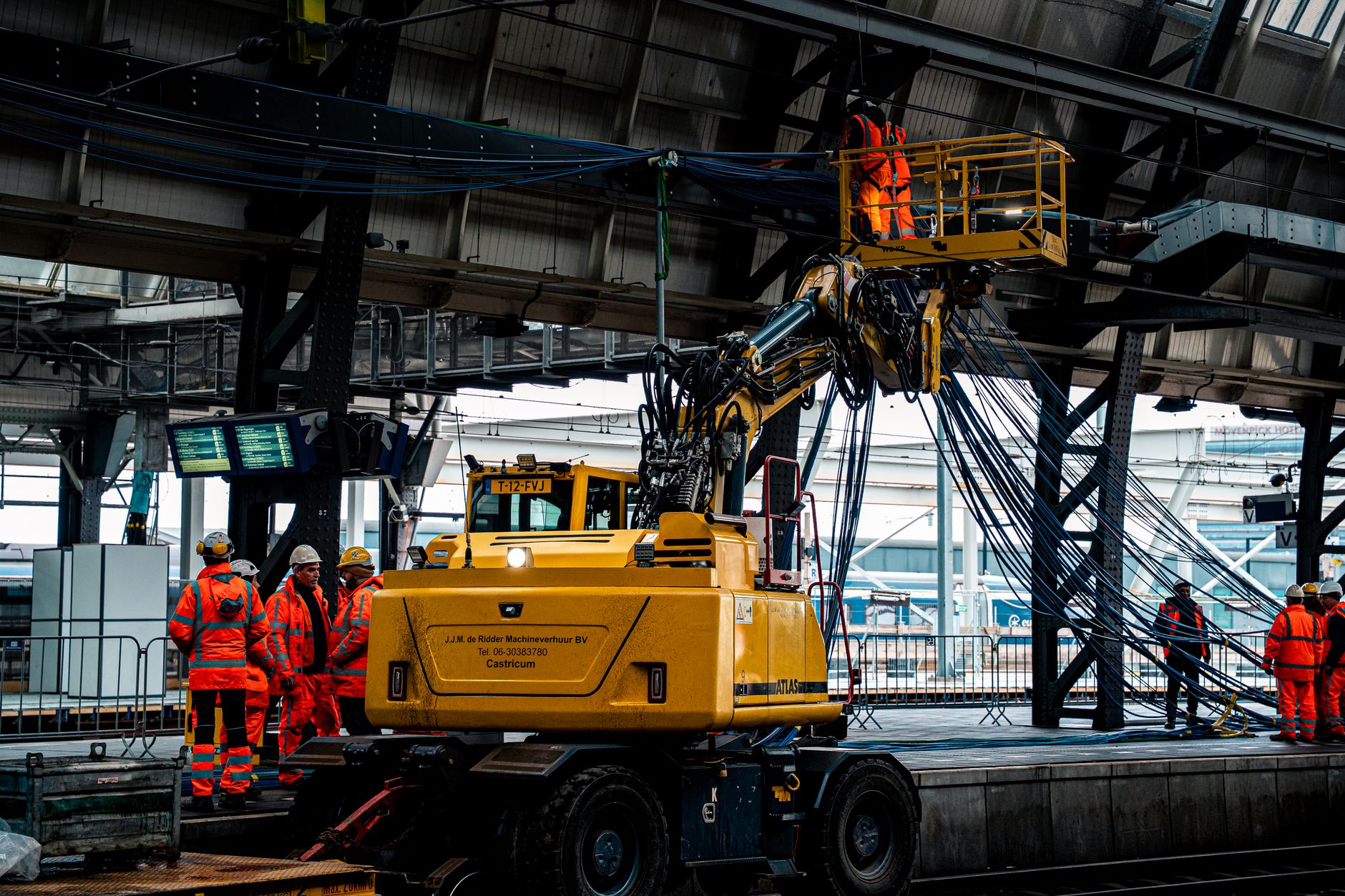
Shift teams in manufacturing plants, warehouses, and processing facilities routinely encounter dead zones. They also face scheduled maintenance windows. Or they deal with overloaded wireless networks. These gaps interrupt data flow. Yet frontline operators must still complete safety checks, inspections, and production tasks without delay. A connected worker app must therefore keep critical functions alive. This holds even when the device loses all network access.
The requirement set begins with safety acknowledgements that cannot wait. It continues through task completion and evidence capture. It ends with reliable synchronization once connectivity returns. Without these behaviors, compliance records break. Escalations stall. Operators face unsafe workarounds.
Which connected worker platform tools offer offline operator features? This remains the practical question. Operations and IT leaders must answer it before any rollout.
Defining Offline Requirements for Connected
-
Start by mapping every workflow that truly cannot pause. Safety checks on energized equipment top the list. Critical quality inspections at line speed also rank high. Immediate escalation triggers for abnormal conditions complete the list. Each of these must remain executable inside the connected worker app even when the tablet or phone shows zero bars. Document the exact steps. Include required signatures. Include time stamps. These must survive an outage of thirty minutes or more.
-
Next classify every data element the connected worker app will touch. Reference data such as procedures and asset photos can be cached read-only. Operational entries like meter readings and pass-fail results must be accepted locally. They must be queued. Compliance evidence such as electronic signatures and photo attachments requires extra integrity checks. This happens before the device allows the operator to move forward.
-
Define the offline user interface so operators never reach a dead end. Every screen must display clear status text. An example is “Working offline – changes will sync later.” Prompt the operator when a required field is missing. Prevent submission only when safety rules demand it. The connected worker app should never force a user to abandon a task. This occurs because the network disappeared.
-
Specify how the connected worker app handles escalation when no network exists. Local queuing of alerts is mandatory. Yet the system must also decide when a supervisor notification is urgent enough. It may require a secondary device such as a radio or personal phone. Write the exact time thresholds. Write the message templates that apply during the outage window.
-
Establish local storage and synchronization logic before any vendor discussion. Conflict rules must favor the most recent operator entry. They must preserve the original timestamp and device identity. The connected worker app must tag every record with a unique device identifier. Audit trails remain intact after partial syncs occur across multiple shifts.
-
Set objective connectivity test criteria the connected worker app will use. Define signal strength thresholds in dBm. Define recovery behavior after a thirty-second outage. Define rules for partial sync of only the highest-priority records first. These numbers become acceptance-test pass-fail gates later in the project.
-
Require supervisor-side visibility the moment the device reconnects. The connected worker app must push updated worklists. It must show which acknowledgements are still pending. It must stitch audit traces. A single report reflects both offline and online activity. Without this step, supervisors lose situational awareness during every network event.
-
Finally, build acceptance tests that simulate realistic outages. Run the connected worker app on devices inside a Faraday cage or network-isolated room. Complete full shift cycles. Then restore connectivity. Verify that every record appears correctly on the server. Export sample audit files. Compare them against the original paper forms still used as backup.
Connected Worker App: Identifying Workflows That Cannot Pause
Safety checks on lockout-tagout procedures must continue without interruption. Confined-space entry permits must continue without interruption. Hot-work permits must continue without interruption. The connected worker app therefore stores the latest permit templates and signature blocks locally. Operators complete the same digital form they would use online. The system records the exact time the permit was issued even though the network is down.
Classifying Data Types and Offline Rules
Reference data such as standard operating procedures receives a daily cache refresh when connectivity exists. Operational entries such as torque values or temperature readings are accepted immediately. They are marked for later upload. Compliance evidence receives an extra local hash. Any later tampering is detectable during the synchronization step.
Offline User Interface Expectations
The connected worker app displays a persistent banner that reads “Offline mode active.” Required fields remain mandatory. Yet the operator can save a draft and return later. No screen ever displays an error that blocks progress. Instead the app offers a clear next action such as “Continue to next checkpoint.”
Offline Escalation Rules
High-severity alerts queue locally. They attempt delivery every sixty seconds. If the outage exceeds five minutes, the connected worker app prompts the operator to contact the shift supervisor by radio. The prompt includes a pre-written message. It already contains the asset ID and observed condition.
Local Storage and Synchronization Logic
Each record carries a device-generated UUID. It carries the operator’s badge number. It carries a monotonic sequence number. On reconnection the connected worker app sends records in sequence order. Then it requests any server-side updates that occurred during the outage. Conflicts are resolved by keeping both versions. It flags the record for supervisor review.
Connectivity Test Criteria
The connected worker app considers itself offline when RSSI drops below –85 dBm for more than fifteen seconds. Recovery requires three consecutive successful pings under –70 dBm. Partial sync begins automatically once the device reaches –75 dBm. It sends only safety and escalation records first.
Supervisor Visibility Upon Reconnection
Within thirty seconds of network restoration the supervisor dashboard updates with new work order statuses. It updates with any pending acknowledgements. The connected worker app also transmits a compact audit bundle. It stitches offline and online segments into one continuous timeline for compliance reporting.
Acceptance Tests Using Outage Simulations
Teams run three scripted outage scenarios lasting ten, thirty, and ninety minutes. After each test they export the server audit trail. They compare it with the paper backup forms collected during the simulation. Any missing timestamp, signature, or photo triggers a requirement change before final acceptance.
Practical Design Tips for Reliable Offline Performance
Design for Partial Connectivity
Many facilities experience intermittent signal rather than total loss. The connected worker app should therefore attempt background sync every ninety seconds whenever signal strength exceeds the minimum threshold. This holds even if the operator is still completing tasks.
Prevent Duplicate Acknowledgements
Use the device UUID and sequence number to detect retransmissions. When the server receives a duplicate, it returns a short acknowledgment. It tells the device the record already exists. This eliminates redundant entries in the audit trail.
Maintain Consistent Escalation Ordering
Offline queues preserve the exact order in which alerts were generated. This ordering ensures that a safety escalation created at 14:22 arrives before a lower-priority quality note created at 14:23. It preserves the correct chain of command once connectivity returns.
Building a Complete Offline Requirement Checklist
Operations leaders now have a concrete list of behaviors any connected worker app must demonstrate before it earns a place on the plant floor. The eight steps above translate directly into a one-page checklist. Procurement teams can hand it to every vendor during the evaluation phase. Share that draft specification with shortlisted platforms. Ask each vendor to run the same outage simulations you defined.
The responses will quickly separate solutions that merely cache data from those that truly protect safety, compliance, and shift continuity when the network disappears.
Step-by-Step Guide
- Step 1: Begin by mapping every workflow that truly cannot pause during network outages. Focus on safety checks on energized equipment. Focus on critical quality inspections at line speed. Focus on immediate escalation triggers for abnormal conditions.
Document the exact sequence of actions. Document required signatures. Document timestamps. Document data fields. These must remain executable inside the connected worker app even when the device shows zero bars. Involve frontline operators and safety leads to validate that these tasks align with regulatory and plant-specific compliance needs. Prioritize items that risk production halts. Prioritize items that risk unsafe workarounds. Prioritize items that risk broken audit trails if delayed beyond thirty minutes.
This foundational inventory ensures the offline capability directly addresses the operational gaps described in industrial shift environments.
- Step 2: Classify all data types into reference data, operational entries, and compliance evidence. Then define precise offline handling rules for each. Reference data such as procedures and equipment specs should be cached read-only with version stamps. Operational entries like task completions must support local creation and editing with mandatory fields enforced.
Compliance evidence including photos, signatures, and time-stamped acknowledgments requires secure local storage. It requires automatic queuing for later upload. Establish rules that prevent deletion of any record until successful synchronization occurs. This classification prevents data loss. It maintains integrity across dead zones, scheduled maintenance windows, and overloaded wireless networks common in manufacturing and processing facilities.
- Step 3: Define offline UI and interaction expectations to eliminate dead ends and confusion for operators.
The interface must display clear connectivity status indicators. It must display progress bars for queued actions. It must display contextual prompts guiding users through required steps without network calls. Prevent any screen from becoming unusable. Instead, provide alternative flows such as voice notes when
Further Reading
- From safety detection to escalation: implementing real-time connected worker alerts without breaking workflow continuity
- Connected worker platform security: the approval workflow for device, identity, and network trust in manufacturing
- How to prove connected worker platforms meet regulated manufacturing governance needs
Related Posts
Connected Worker Platform Fit for Manufacturing Integrations: A Checklist for Data, Devices, and Governance
Connected Worker Platform Fit for Manufacturing Integrations: A Checklist for…

Where Parsable Connected Worker Fits Vs Redzone Hexagon
Starting Connected Worker Selection with Operational Scenarios Starting Connected Worker…
From site requirements to live operations: implementation steps for connected worker software
Closing the proof-to-production gap Why Connected Worker Software? Many industrial…