Connected worker vs traditional paging is one of those comparisons that sounds simple until you’re the one signing off on the budget. A paging system is a radio or phone-based broadcast that shouts a message to a group of pagers or handsets. A connected worker platform is software that sends the same alert to a worker’s phone or tablet, tracks whether anyone acknowledged it, and escalates automatically if nobody responds. Both can tell a crew that a line has stopped. Only one can tell you who saw it, how long it took, and who got it next when the first person didn’t answer.
This article sits within the broader connected operations category, which covers how plants link people, equipment, and procedures through shared digital systems. Here we focus on one narrow decision: how alert handling differs between the two approaches, and what that difference costs. The short version is that paging moves a message quickly, while connected worker tools move a message to a specific person and prove that it landed.
Paging has been the default for decades because it is cheap to start and simple to understand. Many plants still run it for overhead announcements, equipment failures, and emergency calls. The gap shows up when alerts need acknowledgment, a named owner, or a second contact after silence.
Connected Worker vs Traditional Paging: Which One Fits You? Comparing Alert Handling Across Key Criteria
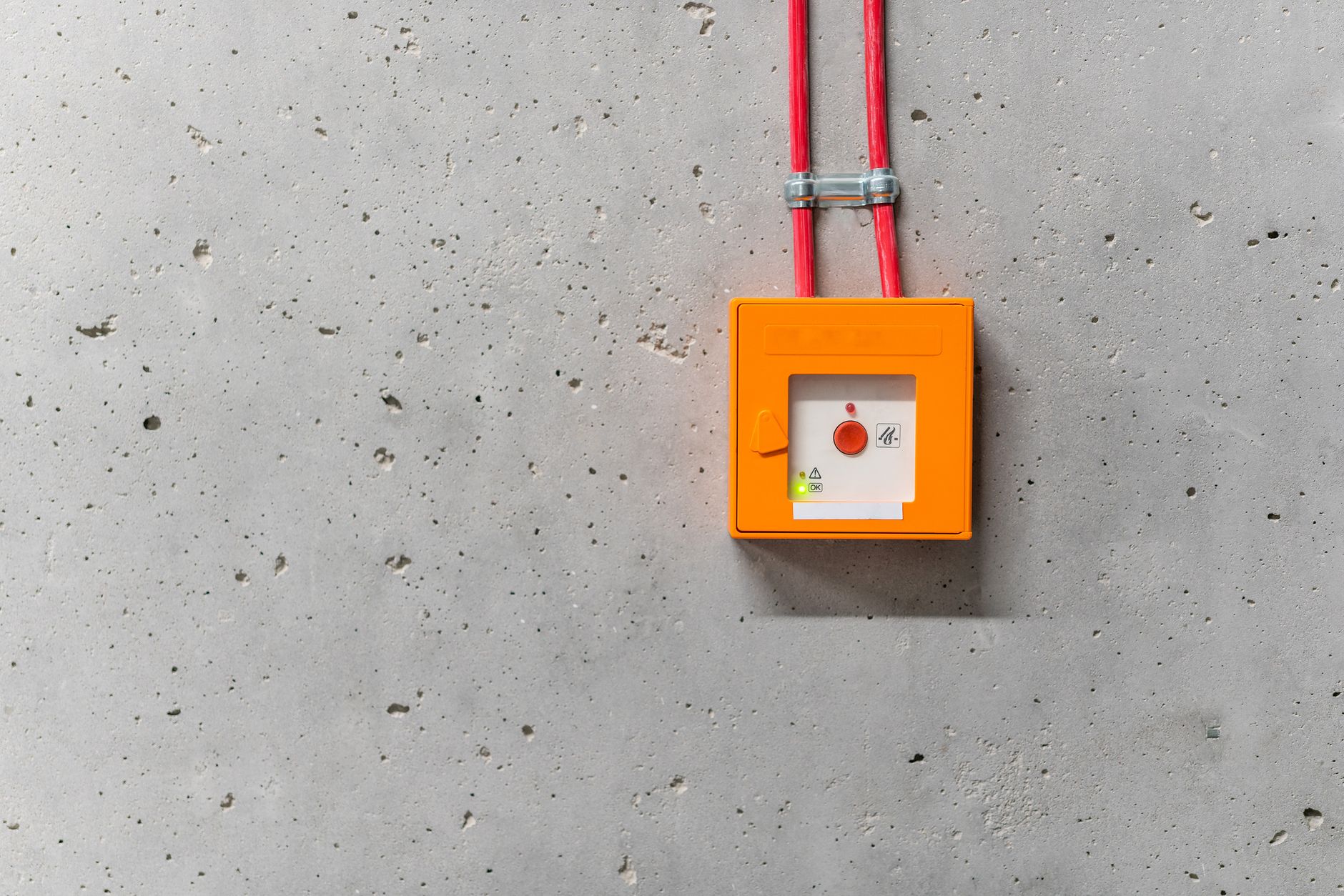
Most operations leaders don’t need a list of features. They need to know how each option behaves when a real alert fires at 2 a.m. on a night shift. The table below compares the two approaches across the criteria that usually decide the purchase: how quickly an alert reaches someone, how far it reaches, what happens during an outage, how long setup takes, and what the annual cost looks like in broad tiers. Costs vary a lot by vendor, site count, and licensing model, so treat the tiers as directional rather than quotes.
| Criteria | Traditional paging | Connected worker platform |
|---|---|---|
| Escalation speed | Broadcast reaches all receivers at once, but there is no built-in next step if nobody responds | Rules send the alert to a named role, then escalate on a timer until someone acknowledges it |
| Mobile reach | Works where radio or cellular coverage is strong; dead zones and shielded areas are a common gap | Uses the worker’s phone or tablet over Wi-Fi or cellular, and often falls back across channels |
| Downtime handling | Tied to transmitter and receiver hardware, so a failed base station can silence the whole site | Depends on network and cloud availability, usually with offline queuing and redundant delivery paths |
| Acknowledgment tracking | Generally none; supervisors rely on people calling back or walking over to check | Logs who received, read, and acknowledged each alert, with timestamps for audits |
| Setup time | Often days to weeks for hardware installation, pager programming, and coverage testing | Typically weeks for integration, role mapping, and rule configuration, with faster rollout per site after the first |
| Annual cost tier | Lower recurring cost for small sites, with hardware replacement and service contracts adding up over time | Higher recurring cost driven by per-user licensing, with less spent on hardware and maintenance |
Read the table as a set of trade-offs, not a scorecard. Paging wins when the alert is a simple broadcast, the site is small, and nobody needs proof of receipt. A connected platform wins when the alert needs an owner, a deadline, and a record. Plants with strong radio coverage and a few dozen receivers may find paging cheap and sufficient for years. Plants with shift turnover, contractors, and multiple buildings tend to outgrow it. The operational side is something related work expands on with real numbers.
Cost deserves a closer look. Paging looks cheaper on day one because the receivers are inexpensive, but the bill keeps arriving through battery replacement, transmitter repairs, and the staff hours spent chasing missed calls. A connected platform charges per user or per site on a subscription, so the recurring line is more visible. Ask vendors to show total cost over three to five years, including integration with your maintenance or work order system, because that is where the real differences appear.
Several operations teams also find that their paging system was never designed for acknowledgment at all. If a process needs a signed-off response, a dispatch log, or an escalation chain, a connected worker approach fits better. For background on how escalation chains are structured in general, the Wikipedia overview of escalation in business processes gives a useful starting point before you write requirements.
One more practical point: the comparison is rarely all or nothing. Some plants keep paging for overhead announcements and move only critical equipment alerts to a connected platform. That hybrid approach lets you test escalation rules on one line before committing the whole site.
Where Connected Alert Escalation Pays Off, and Where It Doesn’t
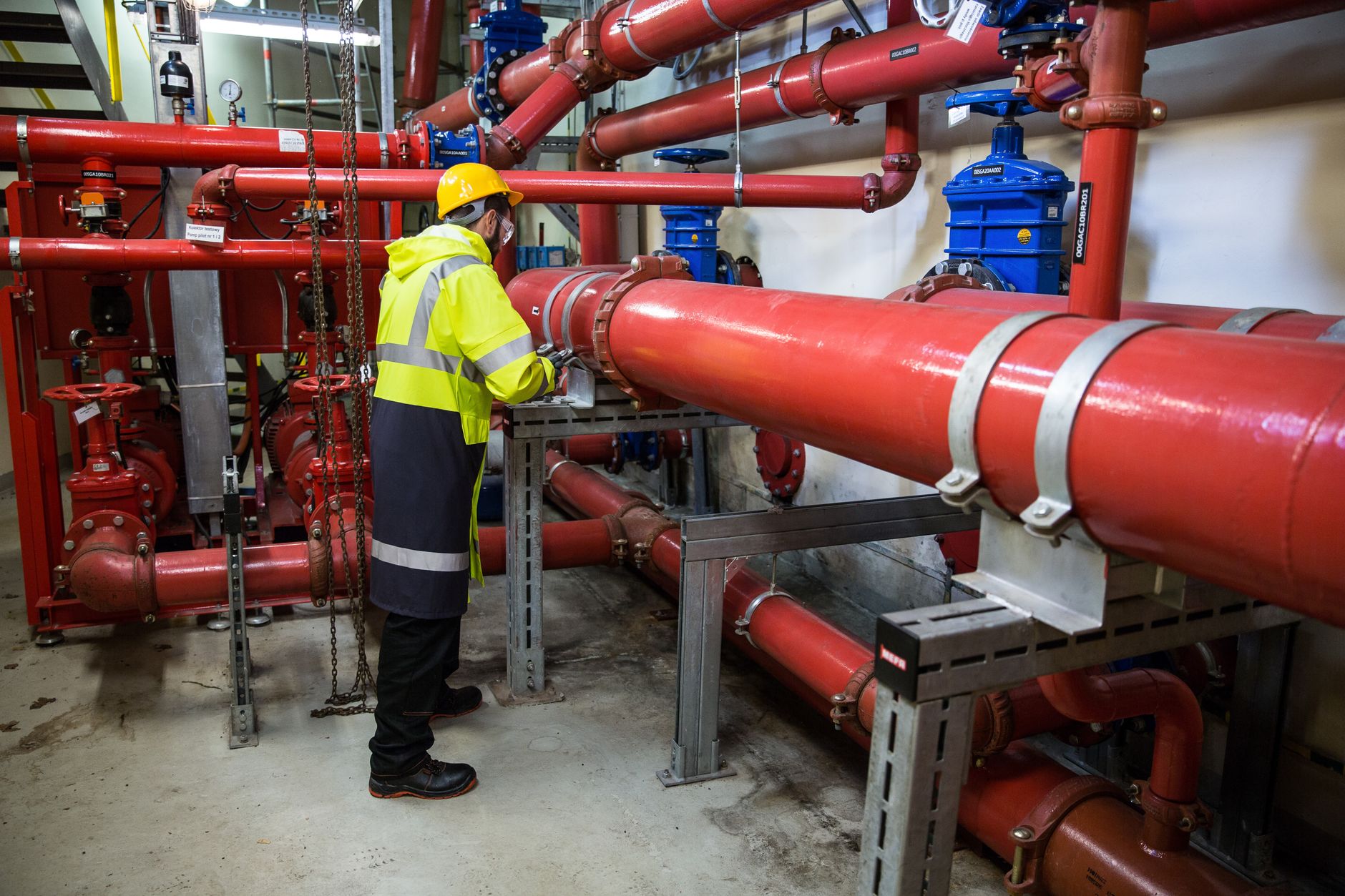
Escalation is the feature that separates the two most clearly. In a paging setup, the page goes out and everyone hears it. If the nearest technician is on break, the alert sits until someone notices. In a connected system, the first recipient gets a prompt, the system waits a set number of minutes, and then it routes the same alert to the next person on the schedule. Each step is logged. That is the difference between hoping someone responded and knowing who did.
Be honest about the limits, though. A connected platform is only as good as its role data. If the on-call roster is out of date, the escalation chain sends alerts to people who have transferred or left. Phones also run out of battery, and a worker in a steel-walled area may lose signal. Good implementations test these failure cases before go-live, and they keep a fallback channel for the most serious alerts.
Paging still earns its place in a few situations. Life-safety announcements, fire evacuation calls, and general site-wide messages are better served by a broadcast that reaches everyone instantly. The point is not to remove every pager on the floor. It is to stop asking a broadcast tool to do a job that needs a named owner and a record.
Making the Decision for Your Plant

Start by listing the last ten alerts that caused a real problem. For each one, note whether the message reached a person, whether that person acted, and how long it took. If most failures involved silence rather than a bad broadcast, you have a case for escalation and acknowledgment. If the failures were coverage gaps, fix the radio or network first. Then get quotes that cover integration, training, and three-year cost, not just the license price.
Connected worker vs traditional paging is not a question with one universal answer. For a plant that needs proof of response, multi-step escalation, and clean audit trails, a connected platform is the stronger choice. For a small site with simple broadcast needs and reliable coverage, paging may remain a sensible option. Review your own alert history and map it against the table above before you talk to vendors. If you want to see how an escalation workflow would run on your specific lines, request a walkthrough with your operations team and bring that alert log with you.
About this guide: this article is written by a content team focused on industrial operations, maintenance, and connected worker technology. It describes general practices and trade-offs rather than the results of any single installation.
Related Topics
- Automotive Plant Alert Escalation Using Connected Worker Tools
- Mobile Notifications Reach Supervisors Through Connected Worker Escalation
- Machine Downtime Alert Rules for Connected Worker Platforms
- Oil and Gas Teams Build Real-Time Escalation for Connected Worker Alerts
- Linking digital work instructions to existing MES systems
Related Posts

Real plant layered process audit example
Why Real Plant Cases Matter for Audit Design Why Real…

Connected worker software FAQ for manufacturing buyers
Connected worker software FAQ for manufacturing buyersPhoto: Sergey Sergeev /…

Real-Time Escalation for Oil and Gas Connected Worker
Why Response Windows Matter on Oil and Gas Sites Why…