Mid-size manufacturers often reach a point where the paper checklists on the assembly line stop keeping up. A clipboard can record that a torque check happened. It struggles to show who signed it, whether the next shift saw the open defect, or how the same fault played out across a second plant. That is usually when a plant starts looking at a connected worker platform. This mid size manufacturer connected worker platform comparison walks through what the options actually do differently, and where paper still makes sense. Connected worker software sits within the wider field of Industry 4.0, which covers how factories link people, machines and data.
A connected worker platform gives frontline staff digital work instructions, inspection forms, and alerts on a tablet or rugged device, then routes every result into a shared record. Paper checklists capture a single moment and often sit in a binder. A platform keeps the record live, reminds people when a check is overdue, escalates failures, and lets a plant manager compare sites from one dashboard. The trade-off is setup effort and a recurring license cost, which the comparison below treats honestly.
Mid Size Manufacturer Connected Worker Platform Comparison: How the Main Platform Options Compare Side by Side
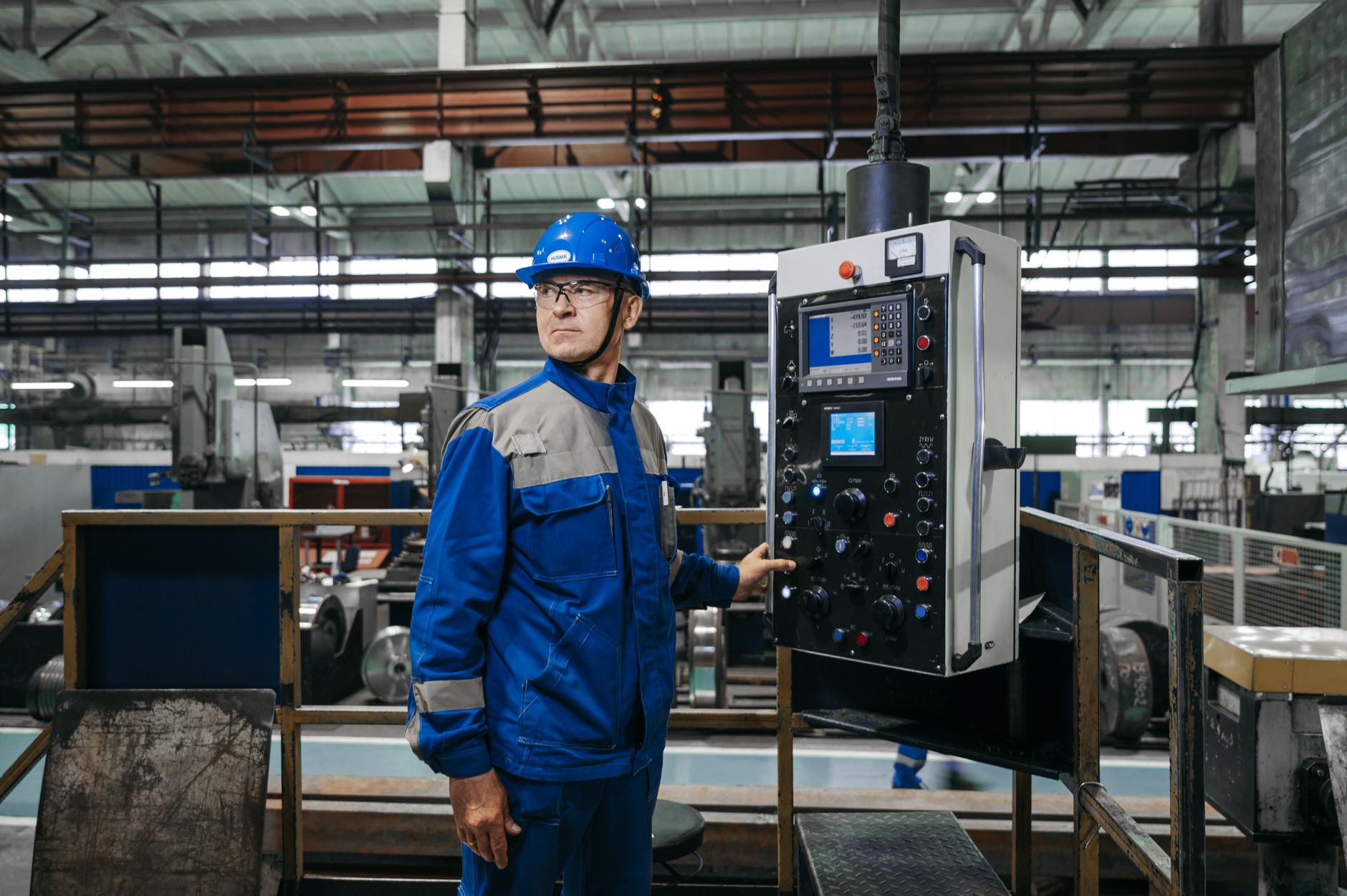
Most buyers in this size range look at three kinds of tools. The first is a dedicated connected worker suite built around frontline tasks. The second is a broader industrial operations platform that bundles maintenance and quality modules. The third is a lightweight digital form tool that a plant adds on top of existing spreadsheets. Each one answers the same five questions differently. The questions cover whether it automates inspection workflows, works offline on the floor, shows multi-plant data, connects to existing IT systems, and has pricing that is easy to understand before you sign.
The table below uses those five criteria. The three platform columns are generic categories rather than named vendors, because feature sets change between releases and you should confirm current capabilities with each vendor. The paper column describes the baseline most assembly plants start from.
| Criterion | Dedicated connected worker suite | Industrial operations platform | Lightweight digital forms tool | Paper checklist baseline |
|---|---|---|---|---|
| Inspection workflow automation | Triggers tasks by shift, station or defect, and routes failures to a named owner | Automates inspections as part of a wider maintenance or quality module | Basic form logic; reminders usually need manual setup | None; relies on someone remembering to sign and file the sheet |
| Offline capability | Usually stores entries on the device and syncs when the network returns | Varies widely; some modules need a constant connection | Often limited; many forms fail without a connection | Fully offline, which is its real strength on a noisy floor |
| Multi-plant visibility | Consolidated dashboards across sites, with role-based views | Strong roll-up reporting, but setup can be heavy for smaller sites | Weak; each site tends to keep its own file set | Effectively none; comparing plants means collecting binders by hand |
| Integration with existing IT | Usually offers connectors for ERP and MES systems, often through APIs | Broadest connector library, but integration projects take longer | Limited to file exports or simple connectors | No integration; data is re-keyed by hand, which invites errors |
| Pricing transparency | Per-user or per-site license; ask for the full quote including devices | Often modular pricing, which can add up across several modules | Low entry cost, but add-ons and seats can escalate | Low direct cost; the hidden cost is labor spent on manual reporting |
Read the table as a starting point, not a verdict. A plant with two sites and a strong ERP team may find an operations platform worth the setup. A single plant with simple checklists may not need anything beyond a good forms tool. The real test is a pilot on one line, measured against the paper process it replaces.
Weighing the Advantages and Drawbacks of Going Digital

The gains from moving off paper are easiest to see on the floor. Operators get the current revision of a work instruction every time, not whichever copy was laminated last spring. Inspection results time-stamp themselves, so a missed check shows up the same shift. Escalations reach a supervisor’s phone instead of waiting for someone to walk over to a binder. For multi-plant operations, the biggest change is that quality trends can be compared across sites without weeks of data entry. A closely related walkthrough, Connected Worker Platform Pricing for Manufacturers, picks up where this section ends.
The costs are just as real. Initial setup takes time, often several weeks for a pilot line, because someone has to rebuild each checklist as a digital form, map roles, and test device logins. Devices need charging, mounting and cleaning, and a rugged tablet at each station adds up. Some operators will resist the change at first, especially if the old paper sheet was quick and nobody checked it closely. Paper also keeps working during a network outage, so any platform needs a clear offline plan.
| Advantages of a connected platform | Drawbacks to plan for |
|---|---|
| Live, version-controlled work instructions at every station | Initial setup and form rebuilding can take several weeks per line |
| Automatic escalation when a check fails or runs late | Ongoing license costs and device purchase, maintenance and charging |
| Comparable data across sites from one dashboard | Operator adoption needs training and a clear reason to change habits |
| Audit trail with timestamps and named signatures | Offline behavior must be tested, since sync conflicts can occur |
Choosing the Right Next Step for Your Plants
For most mid-size manufacturers, the decision comes down to where the paper process hurts most. If audit findings keep pointing at missed or late checks, start with inspection automation. If leaders cannot compare sites without a week of spreadsheets, multi-plant visibility matters more. Either way, run a pilot on one assembly line for a defined period, and measure missed checks and time to escalate before and after. That gives you real numbers to set against the license quote.
Before you commit, ask each vendor for a written offline test, a connector list for your ERP, and a full price that includes devices and support. If you want a closer look at how a connected worker approach fits your plants, talk to our team and we can walk through your current checklists with you in this mid size manufacturer connected worker platform comparison.
Common Questions About Connected Worker Platforms
Do mid-size plants need a connected worker platform if they already have a CMMS?
Not always. A CMMS tracks work orders and maintenance history well, but many are weaker at guiding an operator through a live inspection on the floor. Some plants run both, with the CMMS handling assets and the connected platform handling frontline tasks. Check whether the two can share data before assuming they overlap. If they cannot, the gap becomes a manual step that people will skip under pressure.
How long does a typical pilot on one assembly line take?
A focused pilot often runs four to eight weeks, depending on how many checklists need rebuilding and how many roles need access. The first two weeks usually go to form setup and device configuration. The rest goes to observing real shifts and fixing the rough spots. Plan for the pilot to surface problems you did not expect, because that is the point of running one.
What happens to inspections when the network drops?
This depends entirely on the platform. Many dedicated suites store entries on the device and sync once a connection returns, but conflict handling varies. Ask the vendor to demonstrate an offline entry, a reconnect, and an edit made by two people on different devices. Test this on the actual floor Wi-Fi, because the lab rarely matches a busy plant.
Is paper ever the better choice?
Yes, in some cases. A short, stable checklist on a line that rarely changes may not justify the setup effort. Paper also works in areas with poor connectivity or strict device restrictions. The useful question is whether the paper process produces the records you need. If it does, and nobody is struggling to find them, the change may not be worth making yet.
About this guide: This comparison is written from a general industrial operations perspective, based on commonly documented features of connected worker and paper-based inspection methods. Vendor capabilities change often, so confirm current specifications directly with any platform you shortlist.
- Inspection Software Options for Automotive and Chemical Plants
- Pricing Structures for Connected Worker Platforms Used by Manufacturers
- Connected Worker Tools Meeting Compliance Needs in Food Manufacturing
- Automotive Plant Alert Escalation Using Connected Worker Tools
- Mobile Notifications Reach Supervisors Through Connected Worker Escalation
Related Posts
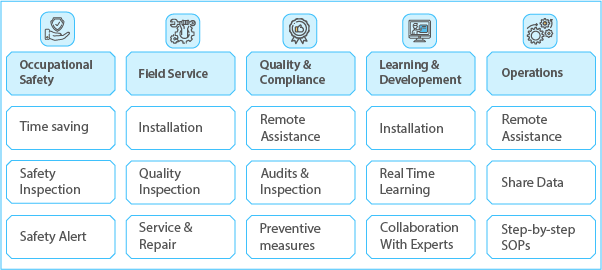
Connected worker use cases for plant operations: from first shift tasks to continuous improvement
Connected worker use cases for plant operations: from first shift…
Setting Up with Connected Worker Software for Automotive Assembly Lines
Connected Worker Software for Automotive Assembly Lines: Why a Connected…
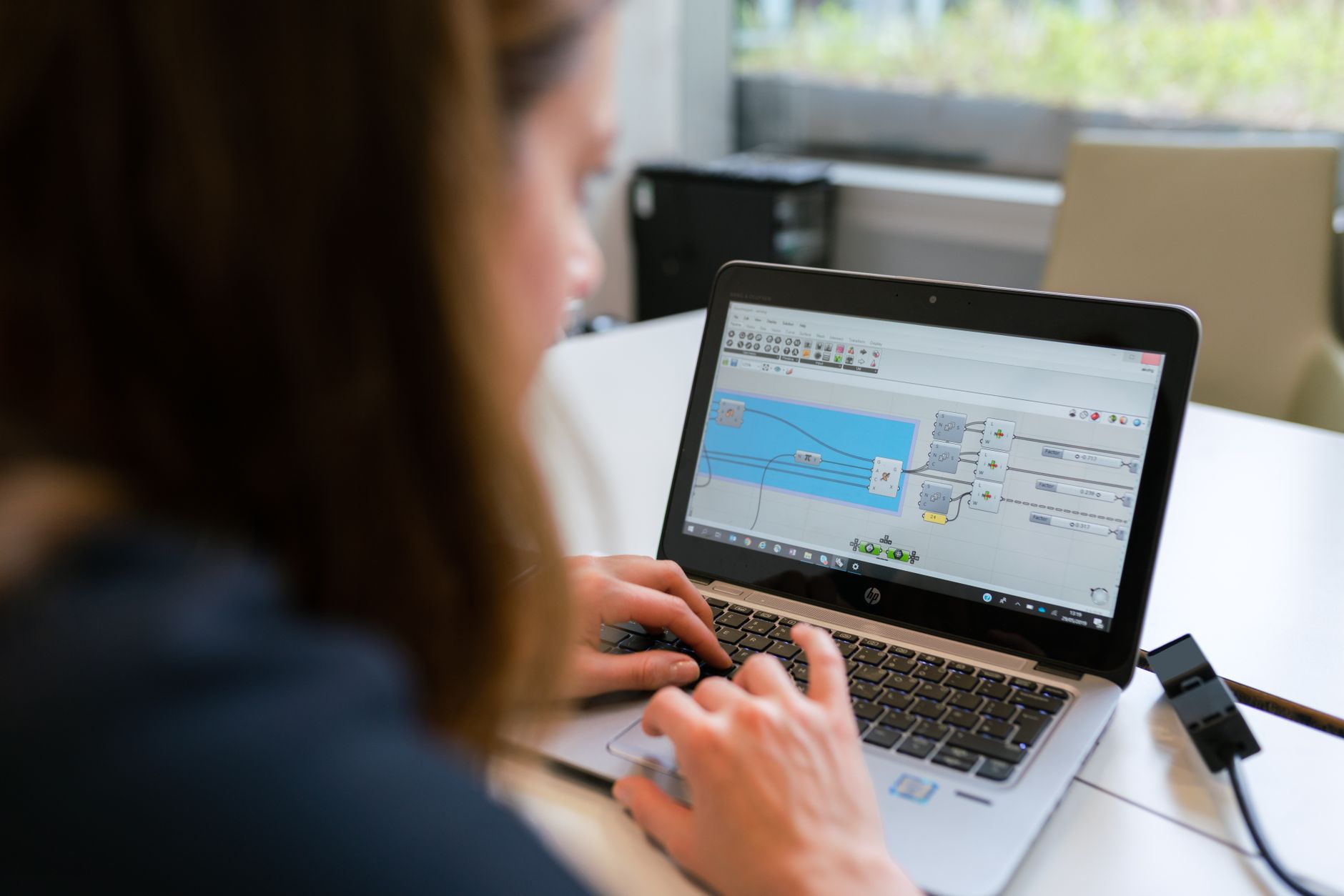
Digital Work Instruction Software Replacing Paper in Manufacturing
Software Choices That Replace Paper Work Instructions in ManufacturingPhoto: ThisIsEngineering…