What Connected Worker Platform Pricing Really Covers

If you’re trying to budget for a connected worker platform, the first question is usually simple: what will this actually cost us? connected worker platform pricing for manufacturers is rarely a single number on a website, though. It’s a mix of licensing, users, sites, modules, and hardware, and the total can look very different depending on how a plant is built. This guide walks through how vendors typically structure those costs so procurement and finance teams can compare offers on equal footing. It also points out the places where a low headline number tends to hide higher costs later in the contract.
The broader category sits within industrial digital transformation, where frontline workers, assets, and operational data get connected through software rather than paper binders and spreadsheets. Pricing transparency matters because these platforms touch many budget lines at once. Maintenance, quality, and EHS often each carry a piece of the spend, and nobody wants a surprise renewal invoice a year after signing. In practice, a plant manager may see the license as an operations cost, while the quality director sees the inspection module as their own expense, and the IT group quietly absorbs integration work. Getting all of those owners into one conversation before the first quote is signed saves a lot of friction later.
Connected worker platform pricing for manufacturers usually scales with three things: how many people use the system, how many sites run it, and which modules are switched on. Base platform fees are only part of the picture. Inspection add-ons, integrations, and device hardware often change the final number more than the headline subscription does. A useful habit is to ask every vendor to price the same scenario in writing: a defined user count, a specific number of plants, and a named list of modules. That turns vague brochure figures into comparable numbers.
How Single-Plant Entry Pricing Usually Works

Entry-level plans are designed for one site with a defined group of users. Vendors often price these as an annual subscription with a base platform fee plus a per-user charge. A single plant with 50 to 100 active users might see a base fee in the low thousands per year, with per-seat pricing added on top. The exact figure depends on the vendor and the contract length, so treat any number here as a starting assumption rather than a quote. A mid-sized stamping or machining facility that only wants digital work instructions on two lines is a good example of a buyer who fits this tier well, because the scope is narrow and the rollout can be measured quickly.
What’s included at this level tends to be limited. Expect digital work instructions, basic forms, task assignment, and mobile access. Advanced analytics, custom integrations, and inspection templates may be extra. Ask for a written list of included features, because “core platform” can mean very different things across vendors. Some vendors include a set number of form templates, while others meter them. If your maintenance team plans to digitize twenty checklists in the first quarter, confirm that twenty templates are covered before you sign.
Single-plant buyers should also check onboarding costs. Many vendors charge a one-time setup fee for template creation, user import, and training. In most cases this fee is a fixed amount, but it can climb quickly if your team needs custom forms built from scratch. A practical tip is to prepare your existing paper forms and process documents before the vendor kickoff. Clean source material can cut billable setup hours noticeably, and it gives your team a head start on adoption.
Mid-Tier Pricing for Multi-User Scaling
Once a plant grows past a few hundred users, mid-tier pricing becomes the normal conversation. Here the per-user cost often drops as volume rises, which is a common tiering pattern in enterprise software. Some vendors move to named-user licensing, while others use concurrent or tiered bundles. Each model behaves differently when shift patterns change or when contractors need temporary access. A named-user model can be expensive if three operators share one tablet across shifts, while a concurrent model may leave you short during shift changeover when everyone logs in at once.
Mid-tier plans usually add role-based permissions, better reporting, and more detailed audit trails. These features matter for quality and compliance teams who need to show who signed off on a task and when. If your plant runs three shifts, make sure the licensing model doesn’t penalize you for logging in from different devices across those shifts. It’s worth requesting a sample usage report from the vendor during the evaluation so you can see how active seats actually behave in a plant like yours, rather than relying on assumptions. A closely related walkthrough, Connected Worker Inspection Software for Automotive Plants & Chemical, picks up where this section ends.
Premium Enterprise Bundles and Inspection Add-Ons
Premium bundles combine the core platform with advanced modules, usually including inspection management, asset-linked workflows, and deeper analytics. Inspection functionality is often sold as a separate surcharge because it requires extra configuration and validation work. For automotive plants running layered audits or line-side checks, this module can be the largest single line item after the base license. Layered process audits, for example, often involve dozens of checkpoints per shift, photo evidence, and escalation rules, and each of those requirements can shape how much configuration the vendor needs to perform.
Premium deals often include enterprise support, dedicated success managers, and service-level agreements. These come at a cost, but they can reduce internal IT effort. Ask whether support tiers are bundled or sold separately, since that changes the real annual cost. Enterprise buyers also commonly negotiate multi-year commitments in exchange for lower rates. Before agreeing to a longer term, check whether price increases are capped at renewal, because some contracts allow a sizable uplift after the initial period ends. For the adjacent problem, Connected Worker Audit Software Pricing for Layered Audits goes deeper into the specifics.
Hidden Costs Like Device Hardware
The subscription is rarely the only expense. Frontline workers often need rugged tablets, wearables, or fixed kiosks, and hardware can add substantially to year-one spend. Device management software, mobile device licenses, and replacement stock also belong in the budget. Connectivity matters too. Plants with weak Wi-Fi on the floor may need network upgrades before rollout. A floor survey with a simple signal-strength check can reveal dead zones near furnaces, paint booths, or metal racks before you commit to a device count.
Integration work is another hidden cost. Connecting to an existing MES, ERP, or maintenance system usually requires professional services. Manufacturing execution systems are a common integration point, and the effort depends heavily on how standardized your data already is. Budget for integration as a project, not a checkbox. A plant with consistent part numbers and asset IDs will integrate far faster than one where the same machine has three different names across departments.
Vardian documents a real deployment of this idea in its Vardian multi-site inspection standardization use case, where one set of inspection templates is rolled out across several plants. That kind of rollout is where multi-plant pricing questions get answered in practice. It shows why standardizing templates first tends to simplify both the technical work and the commercial conversation.
Connected Worker Platform Pricing Tiers Compared
The table below shows typical structures for entry, mid, and premium tiers. These are illustrative ranges, not published prices. Actual quotes vary by vendor, region, contract length, and module selection, so use this as a framework for asking questions rather than a fixed benchmark.
| Tier | Base Fee (Annual) | Per-User Cost | Inspection Module Surcharge | Multi-Plant Discount Example |
|---|---|---|---|---|
| Entry (single plant, under 100 users) | Low four to low five figures | Flat or modest per-seat fee | Often optional, sold separately | Usually none; single site |
| Mid (multi-user, 100 to 500 users) | Mid five figures | Tiered; lower per seat as volume grows | Commonly a fixed annual add-on | Volume discount across two to three sites |
| Premium (enterprise, multi-plant) | Negotiated, often six figures | Enterprise rate with volume commitments | Often bundled or deeply discounted | Consolidated contract across five or more sites |
Read the table as a list of questions to bring to each vendor. Ask which items are included, which are metered, and what happens when you add a second plant. Multi-plant discounts can look generous on paper but may come with minimum seat counts or longer terms. When comparing enterprise connected worker solutions for multi plant operations, it helps to build a simple three-year cost model that includes hardware refresh, integration project hours, and expected seat growth, since that model often reorders the offers you received.
Balancing Platform Budget Against Plant Needs
The cheapest quote is not always the lowest total cost. A platform that’s underpowered for your inspection workflows can cost more in rework, manual workarounds, and delayed audits. Start by mapping which processes genuinely need digital support this year and which can wait. That map usually reveals a sensible tier for the first rollout. A common approach is to digitize the highest-risk inspection points first, such as safety-critical torque checks or final-assembly audits, and leave lower-value checklists on paper until the team is comfortable.
Keep the contract flexible enough to grow. Confirm how seats, sites, and modules can be added mid-term and at what rate. Finance teams often find that a modest pilot at one plant, followed by a planned expansion, gives better pricing leverage than a large upfront commitment. A pilot also gives you real usage data, which makes the next negotiation far more concrete. Connected worker platform pricing for manufacturers works best when the budget follows the operational plan, not the other way around.
Frequently Asked Questions
Is connected worker platform pricing usually monthly or annual?
Most enterprise vendors quote annual subscriptions, sometimes with monthly billing available at a higher effective rate. Multi-year commitments are common for lower per-user pricing, so compare the total contract value rather than just the monthly figure.
Do inspection modules always cost extra?
Not always, but they are frequently sold as a separate module because they involve configuration and validation work. Some premium bundles include basic inspection templates, while advanced audit logic, photo evidence, and escalation workflows may still be billed separately.
How much should I budget for integration with an existing MES or ERP?
Integration costs vary widely with data quality and system complexity. Treat it as a separate project with its own scope and timeline, and ask the vendor for a fixed-price estimate based on a defined set of data flows.
Can I start with one plant and expand later?
Yes, and many manufacturers do exactly that. Confirm in advance how additional sites will be priced, whether volume discounts apply retroactively, and whether templates built for the first plant can be reused without extra licensing fees.
Further Reading
- Inspection Software Options for Automotive and Chemical Plants
- Connected Worker Tools Meeting Compliance Needs in Food Manufacturing
- Automotive Plant Alert Escalation Using Connected Worker Tools
- Mobile Notifications Reach Supervisors Through Connected Worker Escalation
- Machine Downtime Alert Rules for Connected Worker Platforms
Related Posts
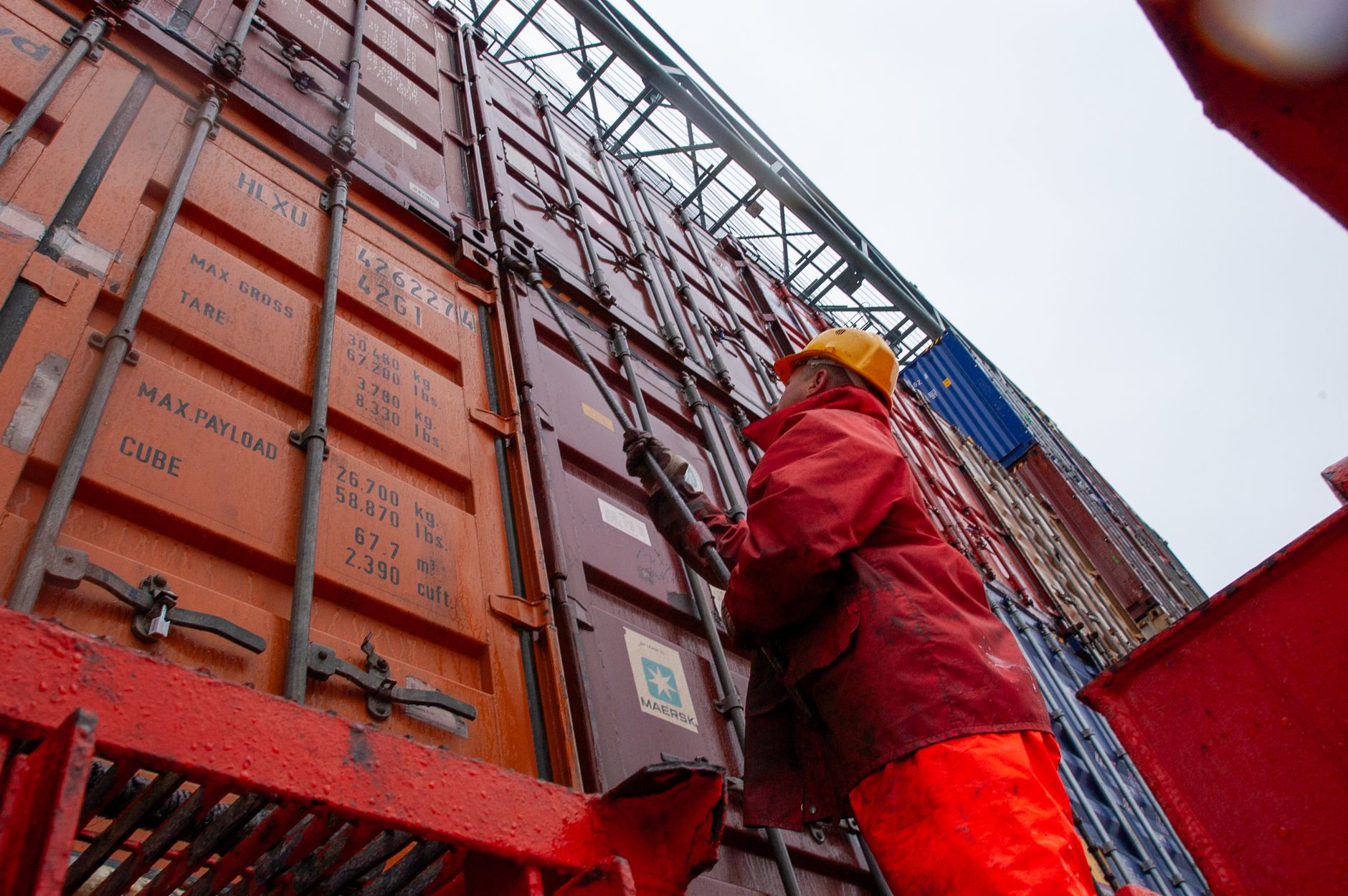
Connected worker security approval workflow for manufacturing trust
Why Security Evaluation Must Cover the Full Workflow Why Security…

Connected worker solution change management for unionized frontline workforces: rollout sequencing that protects trust
Connected worker solution change management for unionized frontline workforces: rollout…
Connected Worker Vs Traditional Paging Outperforms Legacy Alerts
Connected worker vs traditional paging is one of those comparisons…