Manufacturing platform success criteria
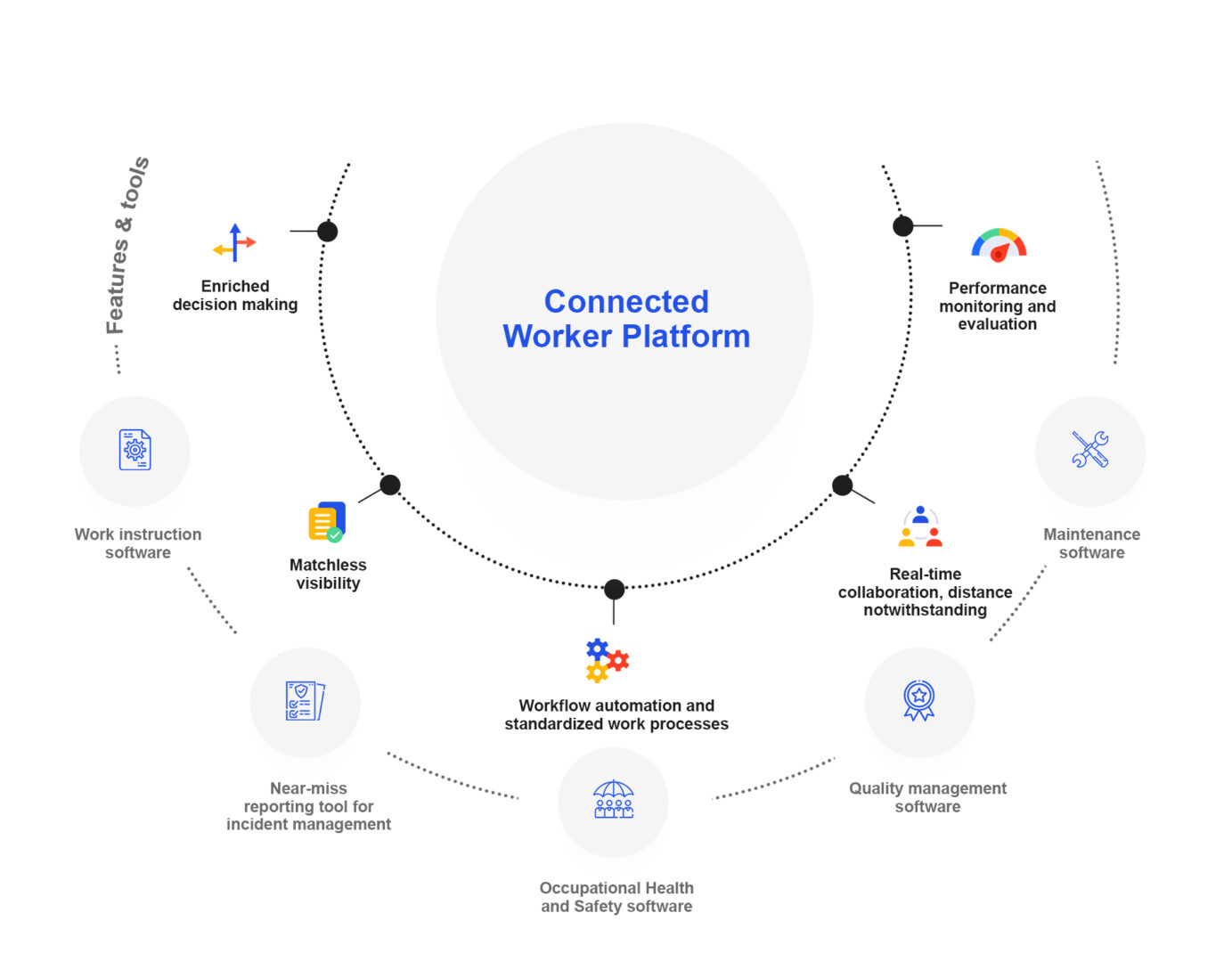
Manufacturing teams measure success for any connected worker platform by how well it handles devices on the floor. It structures daily tasks, connects to existing systems, and keeps data secure. Buyers often start with demos before they define those four areas clearly. That leads to surprises once the software reaches actual shifts. A structured comparison helps because it forces teams to test real workflows instead of marketing slides. The sections below walk through platform categories and representative vendors. Operations leaders can match capabilities to their own constraints around integration, offline use, and rollout speed. In practice, this means walking the floor with maintenance leads. They see exactly where a barcode scan fails or a form times out during a shift change.
Many plants still run paper checklists or disconnected spreadsheets. A connected worker platform replaces those habits with mobile forms, real-time alerts, and automatic data capture. Success shows up when technicians finish rounds faster. Supervisors see exceptions the same day. Consider a mid-sized automotive supplier. It cut inspection time by 35 percent after switching from clipboards to guided mobile tasks. The same system flagged a missing torque step before the part left the station. The rest of this article compares options on the criteria that matter most during pilot and scale-up phases. Teams should also track adoption rates in the first 30 days. Even the most capable connected worker solutions lose value if operators revert to paper during busy periods.
Device Handling Realities on the Shop Floor
Choosing the right hardware mix often determines whether a connected worker platform succeeds or stalls. Rugged Android devices paired with Bluetooth torque wrenches work well in assembly areas. Intrinsically safe tablets become essential in chemical plants. One practical tip is to run a two-week device stress test. It includes drops, extreme temperatures, and extended offline periods before committing to a full fleet purchase. This step reveals integration quirks that vendor demos rarely surface. Energy-sector rollouts show these platform principles under stricter constraints; Vardian’s safety deployment is a concrete example.
Which One Fits You?
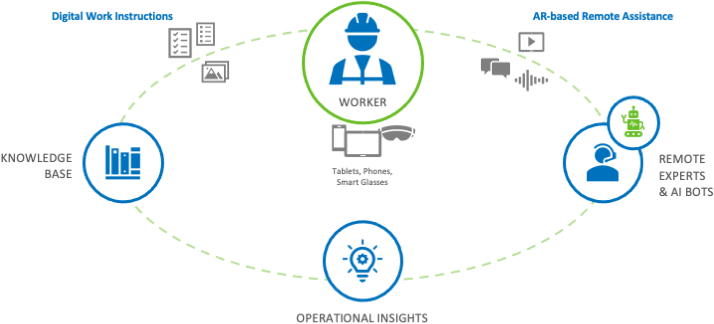
The table below organizes common connected worker platform approaches by the dimensions buyers evaluate first. Each row uses typical positioning language drawn from public vendor materials rather than unverified performance claims. Review the columns against your current ERP, MES, and device mix before scheduling live tests. Pay special attention to offline behavior and the exact connectors available for your existing systems. Those two factors frequently determine whether a pilot stays on schedule.
| Platform/solution | Primary use in manufacturing | Task/workflow model | Integration scope (ERP/MES/identity) | Device support (mobile, wearables, scanners) | Offline/edge readiness | Analytics and operational visibility | Security and role governance | Deployment approach (cloud/on-prem/hybrid) | Typical rollout timeline |
|---|---|---|---|---|---|---|---|---|---|
| Workflow-first connected worker platform | Digital work instructions and inspections | Step-by-step guided tasks with conditional logic | API connectors to major ERP and MES; SSO via SAML/OIDC | Android/iOS apps, some rugged scanners, limited wearables | Full offline with sync on reconnect | Dashboard views of completion rates and exceptions | Role-based access with audit logs | Cloud primary, some hybrid options | 8–12 weeks for pilot, 4–6 months for site-wide |
| Asset-centric connected worker platform | Maintenance and reliability rounds | Asset-triggered work orders and sensor alerts | Strong CMMS ties, lighter ERP links | Mobile plus vibration sensors and Bluetooth tools | Edge processing on gateways | Equipment health trends and downtime correlation | Asset-level permissions plus user roles | Hybrid preferred for latency | 10–14 weeks pilot, 5–7 months rollout |
| ERP-aligned connected worker platform (examples include SAP connected worker and TCS connected worker) | Production order execution and quality checks | Order-driven workflows pulled from ERP | Native ERP modules and identity services | Mobile apps with barcode and RFID support | Offline modes vary by module | ERP-embedded analytics plus some custom reports | Enterprise-grade identity and segregation of duties | Usually cloud with on-prem options for regulated sites | 12–16 weeks pilot, 6–9 months full deployment |
| Edge-first connected worker platform (examples include Honeywell connected worker and Hexagon connected worker) | High-latency or regulated environments | Local processing with selective cloud sync | Custom connectors; identity often through plant directories | Rugged tablets, intrinsically safe devices, some AR glasses | Strong local execution and store-and-forward | Local historians plus aggregated cloud dashboards | Zone-based access and data residency controls | Hybrid or on-prem dominant | 14–20 weeks pilot, 7–10 months rollout |
| Corvex connected worker | Safety observations and shift handovers | Observation forms and near-miss logging | REST APIs and basic ERP hooks | Mobile focus, some wearable pairings | Offline capture with later sync | Trend reports on safety metrics | Granular observation-level permissions | Cloud-first | 6–10 weeks pilot, 3–5 months scale |
| Aveva connected worker | Operator rounds in process industries | Route-based data collection tied to assets | Historian and MES integration emphasis | Mobile and some HMI panels | Offline with historian buffering | Process variable trends and alarm history | Role and asset hierarchy controls | Hybrid common | 10–14 weeks pilot, 5–8 months rollout |
| Redzone connected worker | Production team communication and metrics | Shift meetings and KPI boards digitized | Limited ERP; stronger with scheduling systems | Tablet and phone apps | Basic offline support | Real-time production visibility boards | Team and supervisor roles | Cloud | 4–8 weeks pilot, 2–4 months plant-wide |
| Parsable connected worker | Standard operating procedure digitization | Interactive SOPs with photo evidence | API connections to ERP and quality systems | Mobile plus some scanner integration | Offline mode available | Completion analytics and deviation tracking | Procedure-level access controls | Cloud | 8–12 weeks pilot, 4–6 months rollout |
Notice that no single row claims universal superiority. Workflow-first platforms often win when the goal is consistent execution of procedures. Asset-centric tools fit better when equipment health drives most of the work. ERP-aligned suites reduce duplicate data entry but can require longer configuration cycles. Edge-first options add resilience in plants with spotty networks or strict data-sovereignty rules. Teams evaluating a connected worker platform should map their top three pain points to these columns. They shortlist two or three vendors for a scoped proof of concept that includes live integration tests. A useful next step is to create a simple scoring sheet. It rates each candidate on your actual network coverage and the skill level of your operators.
Evaluating Workflow-First Versus Asset-Centric Approaches
Workflow-first connected worker solutions shine in environments where standard operating procedures must be followed exactly every time. For example, a food packaging plant used guided digital instructions to reduce labeling errors by 40 percent within the first month. Asset-centric platforms, by contrast, excel when vibration sensors and maintenance history drive daily decisions. One chemical facility discovered that combining both approaches in a hybrid rollout delivered the best results. Production teams follow procedures while reliability engineers track asset health in the same system.
Pros and Cons
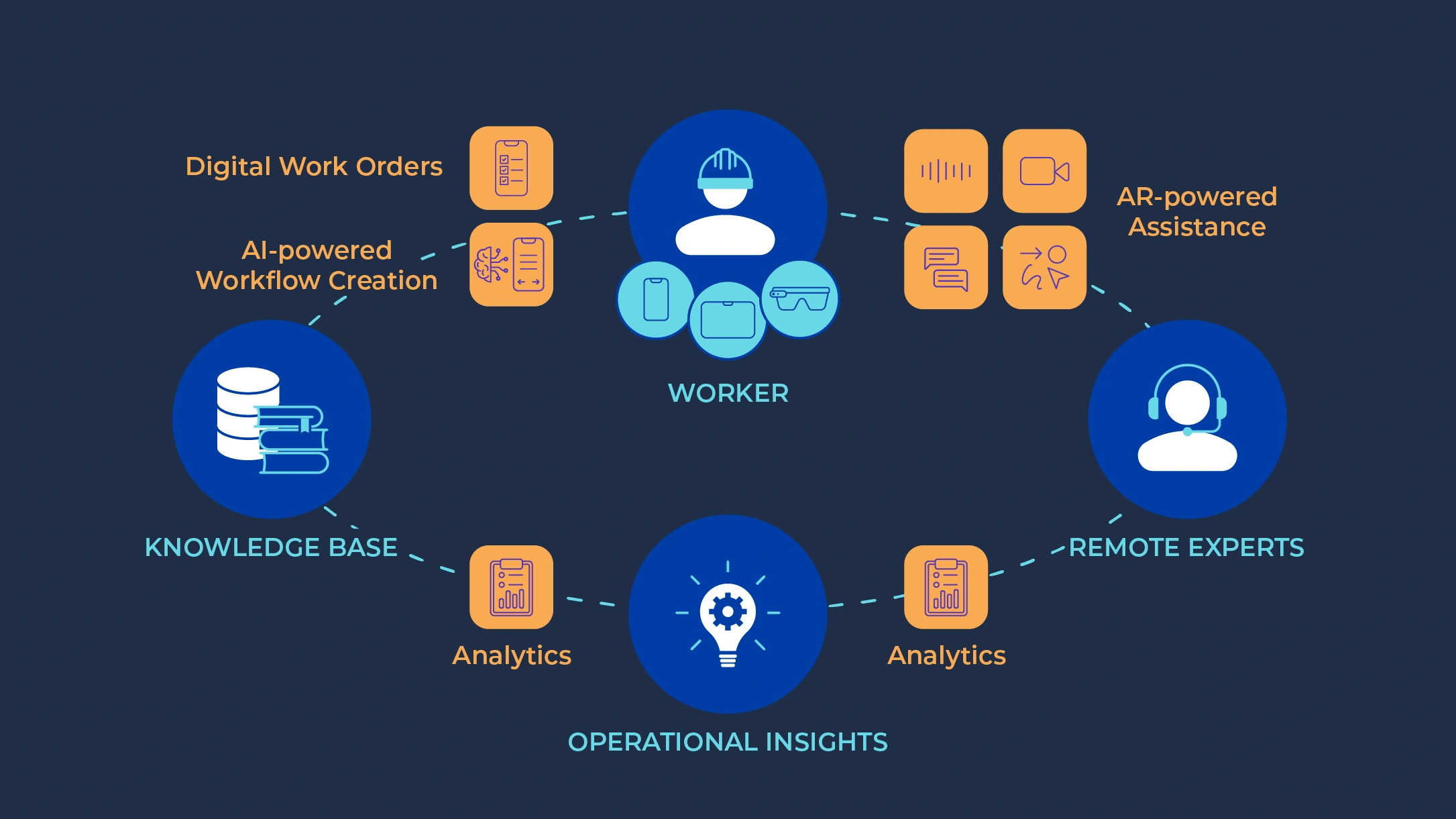
Workflow-first platforms deliver fast procedure adoption and clear audit trails. Their downside appears when deeper asset history or complex ERP transactions are needed later. Asset-centric platforms give strong reliability data yet may leave production-order workflows feeling bolted on. ERP-aligned suites reduce master-data conflicts across systems. They often demand heavier change management and longer timelines. Edge-first deployments protect against network drops and keep data local. They usually increase upfront hardware and validation effort. Across all categories, the largest hidden cost remains data standardization. Plants that skip early mapping of asset hierarchies and user roles face rework during scale-up. A practical tip here is to involve IT, operations, and safety teams in the same mapping workshop. Conflicting requirements surface early rather than during the pilot.
Hidden Costs and Change Management Realities
Many teams underestimate the effort required to clean up legacy data before a connected worker platform goes live. One aerospace supplier spent three extra weeks aligning part numbers across three different spreadsheets. Yet that upfront work eliminated duplicate entries that had caused quality holds for years. Training should also move beyond vendor webinars. Short, role-specific videos recorded on the actual shop floor tend to improve adoption more than generic tutorials.
Proof testing connected worker platforms
Start by selecting two or three connected worker platform candidates that match your dominant workflow type and integration footprint. Run a four-to-six-week proof that exercises offline behavior, role permissions, and at least one live data exchange with your ERP or MES. Document the exact requirements that surface during the test. Then lock those requirements into the final selection criteria. This sequence keeps the connected worker platform choice grounded in actual operations instead of feature lists. Organizations ready to replace paper and fragmented tools can review how Vardian supports these evaluation steps alongside other connected worker solutions. A final practical tip is to schedule a post-pilot debrief with operators who actually used the system. Their feedback often highlights small usability issues that determine whether the rollout succeeds or stalls.
- What does ‘connected worker’ actually include: platform capabilities versus software features
- Connected worker platform selection checklist for manufacturing buyers
- Implementing connected worker solutions: workflow design, integrations, and rollout sequencing
- Connected worker use cases for plant operations: from first shift tasks to continuous improvement
Related Posts
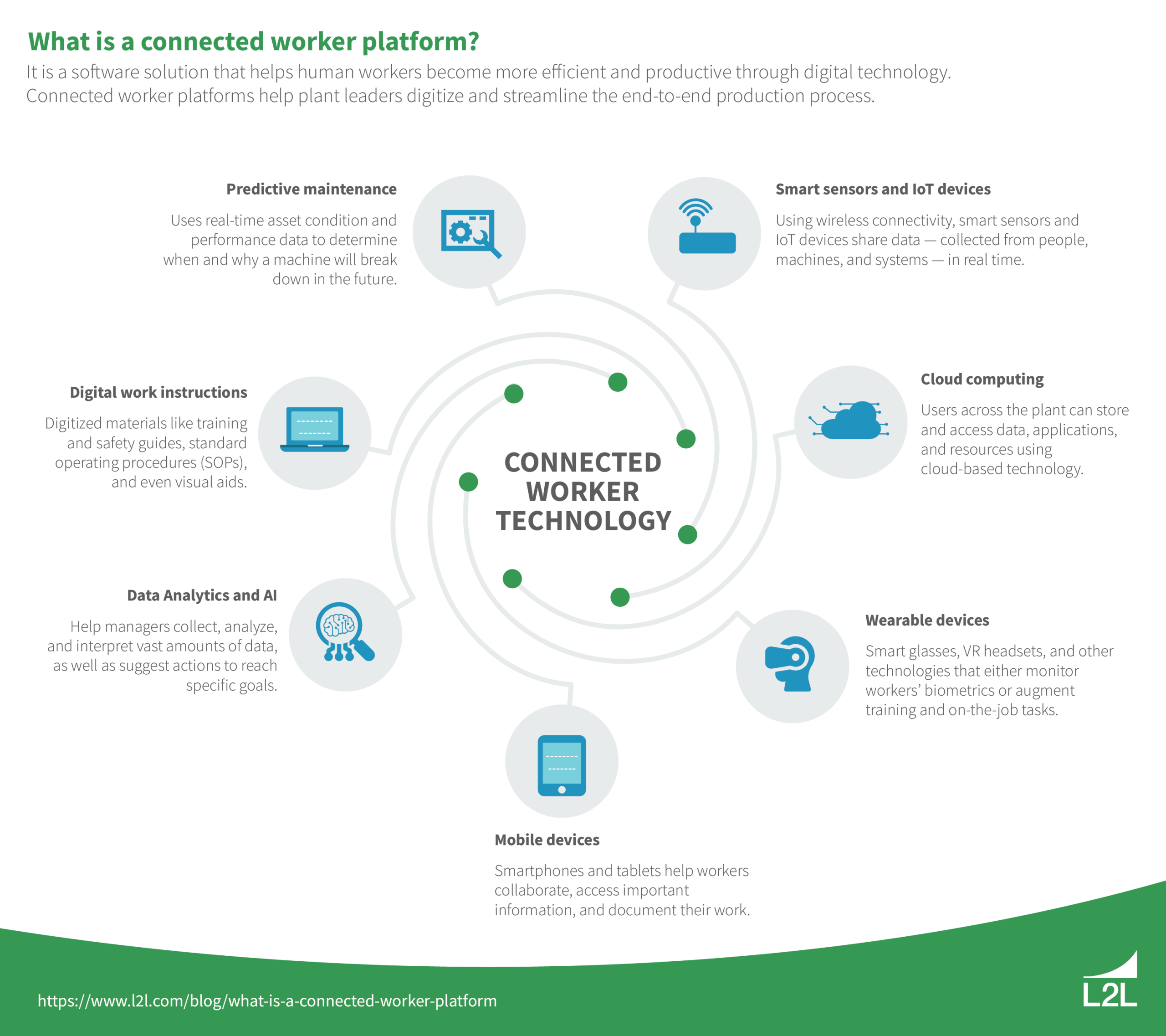
Which connected worker platform fits your manufacturing stack: integration, security, and rollout
What Is Connected Worker Platform? What Is Connected Worker Platform?…

Connected workforce platforms lose shifts when industrial alert escalation system is unclear
Connected workforce platforms lose shifts when escalation rules are unclear:…
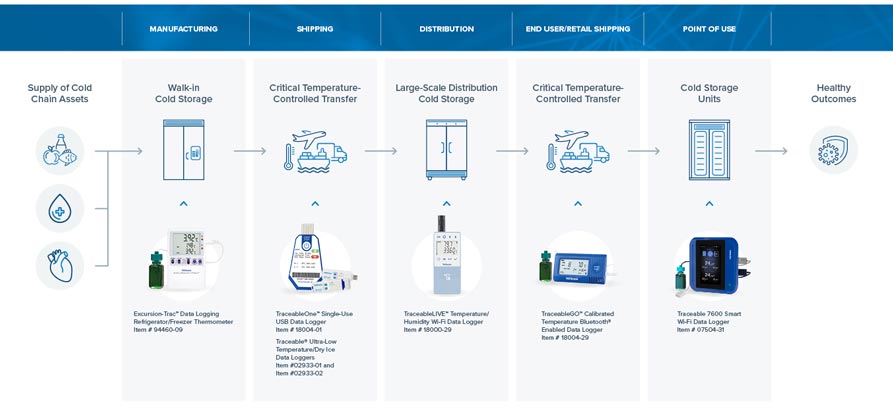
Cold chain workflows using connected worker solutions for cold proofing
The Challenge of Missing Attribution in Cold Chain Temperature Records…