Why Stoppage Response on an Assembly Line Needs Escalation Rules
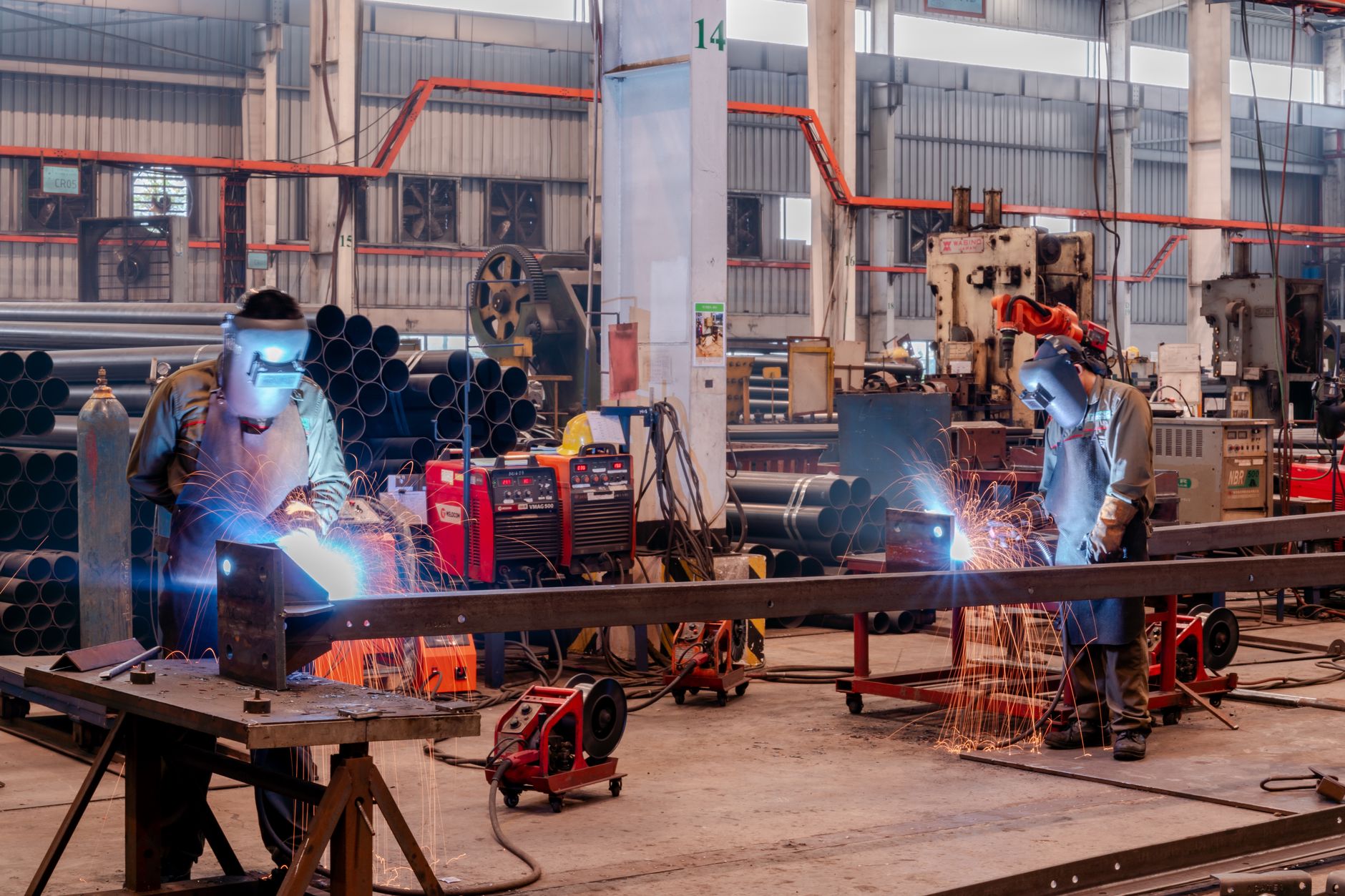
An automotive escalation system case study usually starts with a line that stops more often than anyone wants to admit. A fault happens, an operator raises a hand or pulls a cord, and the clock starts running. Often nobody is clearly in charge of the next move. On a busy shift, the operator may not even know whether the team leader has seen the signal. They wait, try to clear the problem themselves, and only call for help when the station has already been down for several minutes.
Think about how this usually works. A station fault goes to the team leader’s radio or a whiteboard. If the leader is busy at another station, the alert waits. If the fault needs maintenance, someone walks over, finds a technician, and explains the problem again. Each handoff adds minutes, and most of that time never shows up in the daily report. A typical story from the floor goes like this: the operator reports a sensor fault at 9:14, the leader is dealing with a material shortage two bays away, and the maintenance tech is on a break. By the time the right person arrives at 9:31, the station has been idle for seventeen minutes, and nobody wrote down the wait because the log only records when the line finally restarted.
An escalation system fixes this by deciding in advance who gets the alert, how long they have to respond, and who gets it next if nobody acts. Tiers, timers, and acknowledgement steps are what separate it from a phone call to whoever is nearby. The success measure is simple: does a stopped station get a qualified response faster, and does total stoppage time fall over the following weeks? It is worth agreeing on those two measures before the project starts, because otherwise teams tend to celebrate whichever number looks best in the first week.
The thresholds and tier names below are illustrative design choices, not measured results from a specific plant. Use them as a template for building your own baseline, and check any number that matters against your own data.
How an Automotive Escalation System Case Study Plays Out on the Floor
Every automotive escalation system case study needs a baseline first. Without one, you cannot tell whether a change helped. Most teams begin by pulling several weeks of downtime records and sorting stoppages by station and cause. Overall equipment effectiveness is a common lens here, and the OEE definition on Wikipedia explains how availability losses feed into the score. Be careful with the raw data, though. Many stoppage logs record only the restart time, not the time the fault was first raised. The team may need to reconstruct response times from operator interviews, andon timestamps, or maintenance tickets before the baseline means anything.
Next, the team defines what counts as a stoppage worth escalating. A jam cleared in seconds usually does not need anyone’s attention beyond the operator. A fault that holds a station past a set time does. Choosing that threshold is the first real design decision, and it shapes every tier that follows. Setting it too low floods the leaders with alerts they learn to ignore. Setting it too high means the escalation never fires on the faults that actually hurt output. Many teams settle on a two-stage approach, where a short-duration event is logged for trend analysis and only a longer event triggers routing.
Tier One: Operator to Team Leader Within a Short Window
The first tier sends the alert to the team leader who owns that zone. The alert carries the station ID, the fault code the operator selected, and a timestamp. The leader must acknowledge it inside a set window. A few minutes is a common starting point, though the right value depends on takt time and how much buffer the line holds. On a line with a short takt and little buffer, a three-minute window may already be too slow, while a long-cycle line with several parked units downstream can tolerate more. If no acknowledgement arrives, the alert moves up automatically. The design goal is that nobody has to remember to chase it. This is the core of andon-style signalling, which dates to the Toyota Production System.
Tier Two: Reassigning Alerts When the First Tier Stalls
In a walkthrough like this, the first review after a month usually turns up two problems. The first is that electrical and mechanical faults were landing with the same team leader, who could not fix either one. The second is that a constraint station, the one that limits output for the whole line, needed a shorter window than the rest. The first change routed equipment faults straight to maintenance on the same tier. The second shortened the window at the constraint. Both changes followed the pattern in how connected worker handles multi-level incident escalation, where the route depends on the fault type rather than just the elapsed time. One practical detail that helped: the maintenance tier was given its own acknowledgement window. A technician who was already on a repair could be bypassed by a second technician without anyone having to make a judgment call in the moment.
What Did Not Improve and Why That Matters
Faster routing did not stop repeat faults. A fixture that drifted out of tolerance kept producing the same stoppage, and the escalation system only made the response quicker. Escalation shortens the wait. It does not remove the root cause. Teams in this situation often need a separate task, such as a standard check that catches the drift before it stops the line. Clear procedures for that check fit well with digital work instructions for manufacturing. Treating escalation as a cure for everything is the most common mistake in this kind of project. A useful habit is to tag every stoppage as either a response problem or a recurrence problem, so the two are never blended into one average that hides what is actually happening.
Lessons That Carry Over to Other Assembly Lines
- Set a stoppage baseline from several weeks of records before changing any routing rules.
- Route alerts by fault type, so maintenance faults do not wait on a team leader who cannot fix them.
- Give the constraint station a shorter acknowledgement window than the rest of the line.
- Track repeat faults separately, because faster response does not remove the underlying cause.
Limits of Generalizing These Results and Next Steps
These patterns will not transfer one for one to every plant. Line layout, product mix, shift patterns, and staffing levels all change how a timer behaves. A window that works on a short-cycle line may be too tight on a long-cycle line with more buffer. Treat any reduction in stoppage time as something to confirm against your own data, not something to promise in advance. Pilots also tend to look better than full rollouts, partly because the people involved pay closer attention during a trial. Plan to measure the results for a few weeks after the novelty fades before drawing conclusions.
If you want to see whether a comparable escalation design fits your lines, start with your stoppage log and your current alert path. Vardian can help you map those routes and talk through what a pilot on one zone would need to measure.
Frequently Asked Questions
How long should the first acknowledgement window be?
There is no universal number. Many teams start around three to five minutes and then adjust based on how often alerts go unanswered. The right window depends on takt time, available buffer, and how quickly a station’s fault can cascade into downstream delays.
Should every stoppage trigger an escalation?
No. Escalating every micro-stop floods leaders with alerts and trains them to ignore the system. Set a duration threshold, and log shorter events separately so you can still spot patterns over time.
What if the escalation tiers do not reduce total downtime?
That usually means the bottleneck is elsewhere. Faster routing shortens the wait for help, but it cannot fix recurring faults, missing parts, or slow repairs. Check whether repeat faults make up most of your stoppage time before adjusting the routing again.
Do I need special software to run an escalation system?
Not necessarily. Some plants start with andon signals, shared logs, and a clear written routing chart. Software becomes more valuable once you need automatic timers, reliable timestamps, and reporting that the team can trust across several shifts.
Further Reading
- What Enterprise Alert Escalation Platforms Cost and How Pricing Models Differ
- Heavy Industry Escalation Systems: A Five-Phase Implementation Roadmap
- Mobile Escalation Notifications for Supervisors: What to Send, When, and to Whom
- Safety Inspection Tools for Heavy Industry: How to Set Up Connected Rounds
- Do You Need a Connected Worker Inspection App in Pharma? Questions to Answer First
Related Posts
Vendor-by-Vendor Check for Connected Worker Manufacturing
What Is Connected Worker Manufacturing? What Is Connected Worker Manufacturing?…

Connected Worker Vs Paper Based Process Audits: Do Tools Win?
Walk through a layered process audit on a stamping or…

Why operators ignore downtime alerts—and redesign industrial alert escalation system
Ignored downtime alerts are one of the most frustrating problems…