What Happens to Inspection Records When Connectivity Drops Mid-Shift
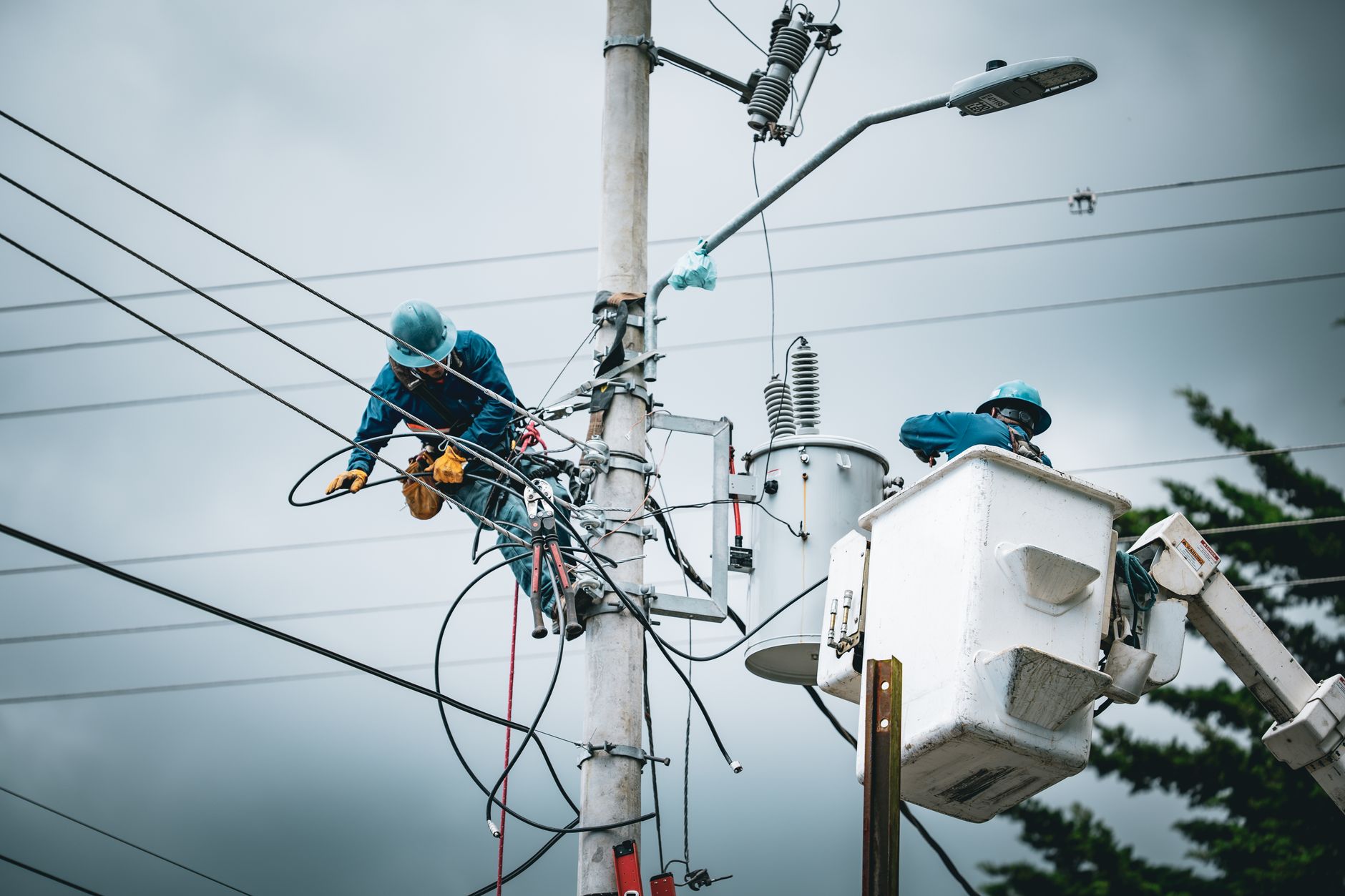
So how does connected worker work when the network goes down halfway through a shift? Most plant managers ask that question after the first dead zone appears near a press line or inside a steel mezzanine. The inspection doesn’t stop just because the Wi-Fi did. Operators keep walking the route, checking gauges, signing off steps, and snapping photos of defects. The real question is where that evidence goes while the connection is gone.
Connected worker platforms, including industrial internet of things deployments, tie frontline workers, assets, and digital work instructions to a shared data layer. That layer only helps if it holds up when the plant network doesn’t. Teams evaluating connected worker inspection software for manufacturing plants often focus on dashboards and mobile screens. They spend far less time on what happens to a half-finished checklist when the radio drops.
This article explains the behavior you should expect from inspection software during connectivity loss. It covers what gets stored on the device, how records reconcile after reconnection, how alerts behave offline, and how to test all of this in a demo before you sign anything.
How Offline Inspection Evidence Gets Captured, Merged, and Protected
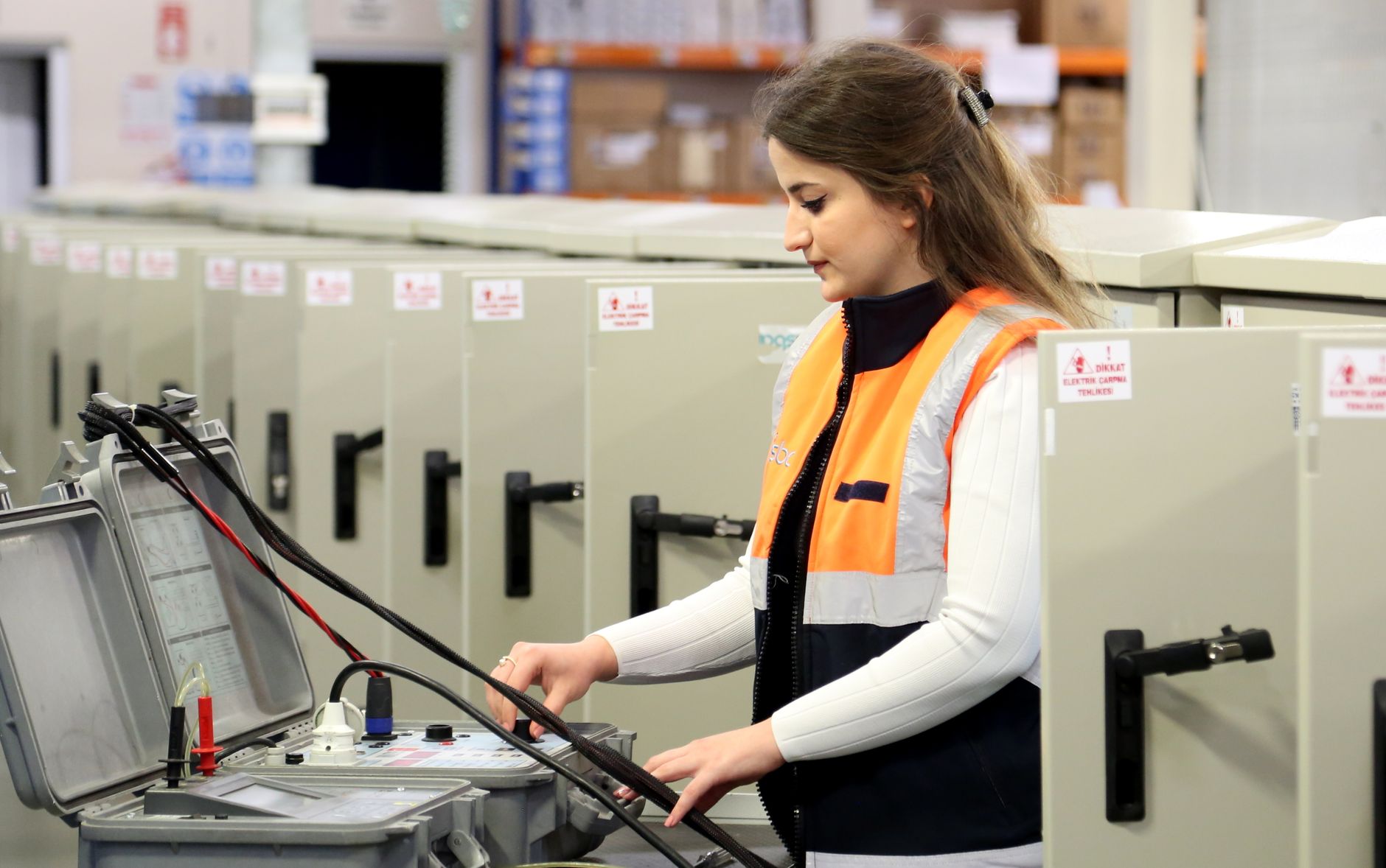
An offline-capable app treats the handheld tablet or rugged phone as the first place a record lands. When an operator taps “pass” on a torque check, the app writes that entry to local storage before it tries to send anything to the server. The device usually uses an embedded database such as SQLite for this purpose. The write happens in milliseconds, whether the network is strong or absent.
How Does Connected Worker Work When the Network Drops
When people ask how does connected worker work offline, the honest answer starts with the local queue. Every inspection event goes into that queue as a discrete record. A record typically includes the step ID, the revision of the standard operating procedure it was tied to, the form values, the operator’s ID, and any attached photos. Photos are often the heaviest part, so good apps compress them and hold them until bandwidth allows an upload.
The more important detail is how SOP step evidence stays intact. A well-built app stores the procedure version alongside each answer. If the procedure changes while a tablet is offline, the old answers still point to the revision the operator actually saw. That matters a lot during an audit, because nobody wants to explain why a check was signed against a document that had already been superseded.
Queued records also need a clear status. You should be able to see which entries are saved locally, which are waiting to sync, and which have failed. Many apps show a small pending indicator. Ask the vendor to show you that screen during the demo, because a silent queue is a queue nobody can trust.
Reconciling Timestamps, Operators, and Approvals on Reconnect
Reconnection is where weak systems quietly corrupt records. The device has been running on its own clock for perhaps an hour or a full shift. The server has its own time source. When the two meet, the software has to decide which timestamp counts. The safe approach stores both: the device time when the operator acted, and the server time when the record arrived.
Operator identity is trickier. A login session may expire while the device is offline, and the app should not lose the operator’s identity just because a token timed out. Good systems keep the badge or credential check tied to the local session and reconcile it once the connection returns. If the credential has been revoked in the meantime, the record should be flagged for review rather than silently accepted or deleted.
Approval states need the same care. A supervisor may approve a step on a web browser while the operator is still offline and has already recorded a failed check. The system should not let the later write overwrite the earlier one. Most dependable designs use append-only event logs, so every change adds a new entry instead of editing the old one. That approach also supports regulated environments, where the 21 CFR Part 11 electronic records rules expect a complete, time-stamped trail of changes.
Handling Alert States While Disconnected
Alerts are where offline behavior matters most for safety and uptime. Suppose an operator flags a leaking hydraulic fitting during a route check. That flag has to be logged locally at once. It also has to reach the right people, which may not be possible while the device has no link. The app should record the alert, show a visible “escalation pending” state, and retry delivery as soon as the network returns.
Some actions should wait. Remote acknowledgments, reassignments, and closing a work order from another site usually need a live connection, so the app should queue those requests and tell the user they haven’t taken effect yet. Local actions, such as stopping a step or marking a machine as locked out on the tablet, should work immediately. Mixing these up causes confusion on the floor.
Escalation timing is the part to probe hardest. A healthy industrial alert escalation system does not depend on a single cloud call to start the clock. Ideally the device keeps its own timer, and the supervisor’s escalation step fires from the local record if the acknowledgment doesn’t arrive within the set window. Ask how the vendor handles a device that never reconnects. If the answer is “the alert just sits there,” that’s a gap.
Demo Verification Checklist: Testing the Network Cut Yourself
Vendor demos usually run on a stable office network, which tells you very little. Insist on a test where the radio is cut in the middle of a task. Turn on airplane mode after the operator completes two steps of a five-step inspection. Then force-close the app, reopen it, and check that the completed steps are still there and the remaining steps resume correctly.
Next, test evidence completeness. Fill in a form with a photo, a numeric reading, a free-text note, and a pass-fail result. Keep the device offline for at least 15 minutes, then reconnect and compare what the server holds against what you entered. Every field, attachment, and timestamp should match. Missing photos are a common failure, especially when the file is large.
Finally, check rework and deviation trace continuity. Record a failed check while offline, then confirm that the generated rework task links back to the original failed entry once everything syncs. A broken link here means an auditor later sees a repair with no visible cause. Write the test results down, because you will want them when you compare vendors.
Governance and Security in Degraded Modes
Offline operation changes your security picture. A device without a live connection can’t check a central permissions server in real time, so the app needs a safe way to make access decisions locally. Most designs cache credentials and role permissions with an expiry date. Once that cache expires, the device should restrict access to sensitive actions instead of trusting stale permissions indefinitely.
Audit log integrity matters just as much. Local logs should be tamper-evident, meaning any change to a stored record leaves a trace. Some platforms chain each entry to the one before it, so editing an old record breaks the chain. You don’t need to understand the cryptography to ask whether the vendor does this. You do need a clear answer. The IEC 62443 series covers industrial automation and control security, and it’s a useful reference when you ask vendors about system hardening.
Decide in advance what “safe failure” means for your plant. For a critical lockout check, the app should fail closed, meaning the step can’t be signed off until the required evidence exists. For a low-risk housekeeping checklist, failing open with a visible flag may be acceptable. Write those rules down per procedure. Leaving the choice to the software default is how plants end up with a critical step that quietly passes with no data behind it.
Common Questions About Offline Inspection Records
These questions come up often when plant teams start comparing offline behavior across vendors. The answers below reflect how most well-built systems behave, and they’re worth checking against any product you’re considering.
Will an offline inspection lose data if the app crashes or the battery dies?
A well-designed app writes each entry to local storage as soon as the operator confirms it, so a crash should only lose what was still on screen. Battery loss is handled the same way, as long as the write completed. Test this directly during a demo by killing the app mid-form and by pulling the battery on a spare device. Check what came back after restart. Ask the vendor how many seconds of work could be at risk in the worst case.
How long can a device stay offline before records become a problem?
There is no universal limit, because it depends on device storage and the volume of photos and form data. Most teams plan around a full shift or a day, then confirm that the local queue has room for that much activity. The bigger risk is credential expiry, which can lock out operators who’ve been offline too long. Ask how the system handles an expired session, and check that stored records are not deleted when access is revoked.
What offline features should exist in a connected worker app?
At minimum, you want local capture of every form field and attachment, a visible sync queue, versioned procedures tied to each record, and append-only change history. Look for clear pending and failed indicators, local escalation timers, and cached permissions with expiry rules. You can also review our notes on what offline features should exist in a connected worker app for a fuller checklist you can take into vendor conversations.
Do offline records hold up in an audit?
They can, but only if the system records who did what, when, and under which procedure version, and keeps that history after sync. Auditors generally want to see the original entry, any later changes, and who approved them. Records that were edited or merged without a trail raise questions. Ask the vendor to export a sample audit trail for a record that was captured offline, then review it with your quality team.
Should we let operators close inspections while disconnected?
For routine checks, yes, as long as the closure is recorded locally and marked as pending server confirmation. For critical or regulated steps, it depends on your procedure. Many plants require a supervisor sign-off that only happens online, which means the step stays open until the connection returns. Decide this per procedure, and make sure the software enforces the rule rather than relying on operators to remember it.
Signing Off on Offline Inspection Software
So, how does connected worker work when the network stays down? It keeps capturing, queues each record on the device, and reconciles everything once the link returns. The quality of that process decides whether your inspection evidence holds up. A system that only looks good on a stable network hasn’t really been tested.
Before you sign, confirm three things. First, offline evidence should be complete, with every field, photo, and procedure version intact after a forced disconnection. Second, reconciliation should keep original timestamps, operator identity, and approval states accurate. Third, alert behavior offline should be logged, visible, and tied to an escalation that doesn’t depend on a live connection. Get those answers in writing, and test them yourself.
Further Reading
- How to choose an industrial alert escalation system for regulated manufacturing
- What happens if someone ignores a real-time alert: logging, escalation, and proof
- What an industrial alert escalation system needs to do to prevent silent failures
Related Posts

Seven evidence-quality upgrades from run-bound, time-stamped SOP execution
Seven evidence quality upgrades from run bound, time stamped SOP…
Connected Frontline Worker Pricing in UK for 2026: Cost Drivers
The Challenge of Pricing Connected Frontline Worker Deployments The Challenge…

Evaluate connected worker integrations: a security-first scorecard for existing manufacturing IT stacks
Why Security-First Scorecards Matter for Manufacturing IT Teams Why Security-First…